Article · For startups
Task management for startups
Updated

Task management at a startup has to keep up with a team that changes its mind every week. Product, design and engineering need one picture of what is shipping, and nobody has time to look after a tool.
Kanbanq is one live board with nothing to set up, a place for every idea that is not for now, and room for the coding agents your engineers already use.
Priced for a team that is still growing
€0
on Free, for any number of people
€9
a month on Pro, for a team of up to ten
€49
a month on Team, for up to thirty
One price for the team on every plan, and agents on Pro and Team at no charge for each.
Task management for startups, from idea to shipped
Park every idea for later
Feature requests, customer feedback and tech debt go to Tasks for later, sorted by category. Good ideas stop dying in chat threads.

Pull the cycle onto the board
Pick what ships this cycle and move it over. Product, design and engineering work from the same live board, with everyone's cursor on it.

Let your agents take cards
Claude Code, Cursor and other tools connect through Kanbanq's own MCP server. On Pro an agent joins the workspace with its own name, takes the card it is given and reports back in the feed.
On Free your tools read the board. Writing needs Pro, and the first write opens a seven-day trial.

Ship it, close the cycle
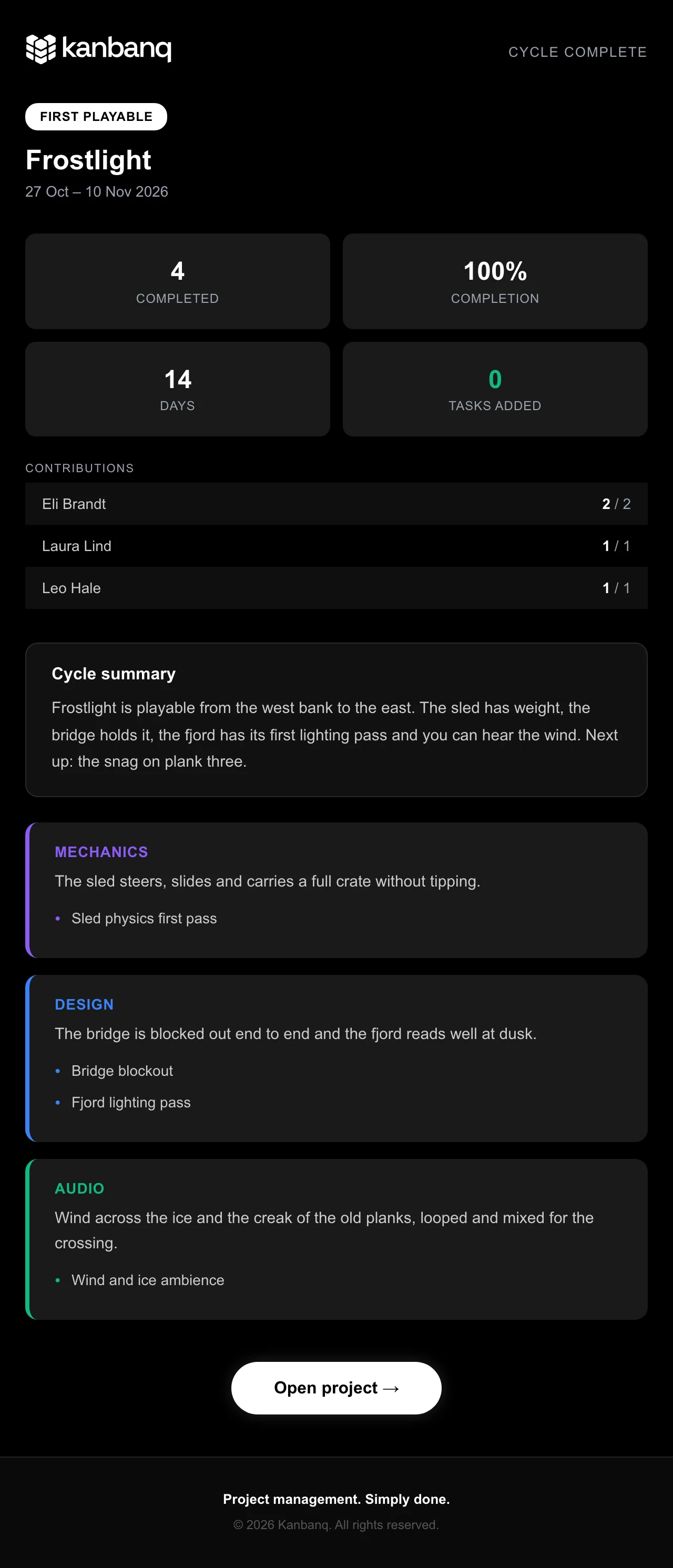
Press Complete on Done. Everyone gets an email of what shipped and each person's count, with a written summary: the start of your investor update.
Every startup workflow in one place
The MVP
Its features in Tasks for later, worked through cycle by cycle.
Customer feedback
Requests from support, sales and interviews, triaged for later.
Go to market
Launch, press and onboarding copy in the same cycle as the features.
Investor updates
A published board as the roadmap, read only, plus the cycle email.
Kanbanq has no timeline or story points today: it is the board, kept simple.
The roadmap investors see is the board the team works from.
Questions from early-stage teams
The team
Can the whole company use one workspace?
Yes. Free has no limit on people. Keep areas of the business apart as projects: each is one board, open to the workspace or private to the people on it.
How do we keep product and engineering aligned?
Everyone works from the same board. Product triages Tasks for later, engineers take cards on the board, design sees what is in flight, and questions go in the project feed beside the cards.
Is Kanbanq good for a founding team of two or three?
Yes. There is nothing to configure and nothing to learn first, and the board is the same for two people as for thirty.
Does it work on a phone?
It works in a phone's browser. There is no app to install.
Growing
How do we share our roadmap with investors or early users?
Publish the board. Anyone with its address can see what is coming without an account, and nobody outside the team can change it. It is the same board your team works from.
Can we track go-to-market work beside engineering?
Yes. Add a category for it, and keep press, onboarding copy and launch tasks in the same cycle as the features they belong to, so nothing ships without the work around it.
Can our coding agents work on the board?
They read it on every plan. On Pro they write too: an agent takes a card, updates it and reports back in the project feed. On Free the first write opens a seven-day trial.
How does pricing scale as we grow?
Free covers any number of people and 250 active tasks. Pro is €9 a month for up to ten, Team €49 a month for up to thirty, and neither counts seats inside that. Every plan is on the pricing page.