Article · For students
Kanban board for students
Updated
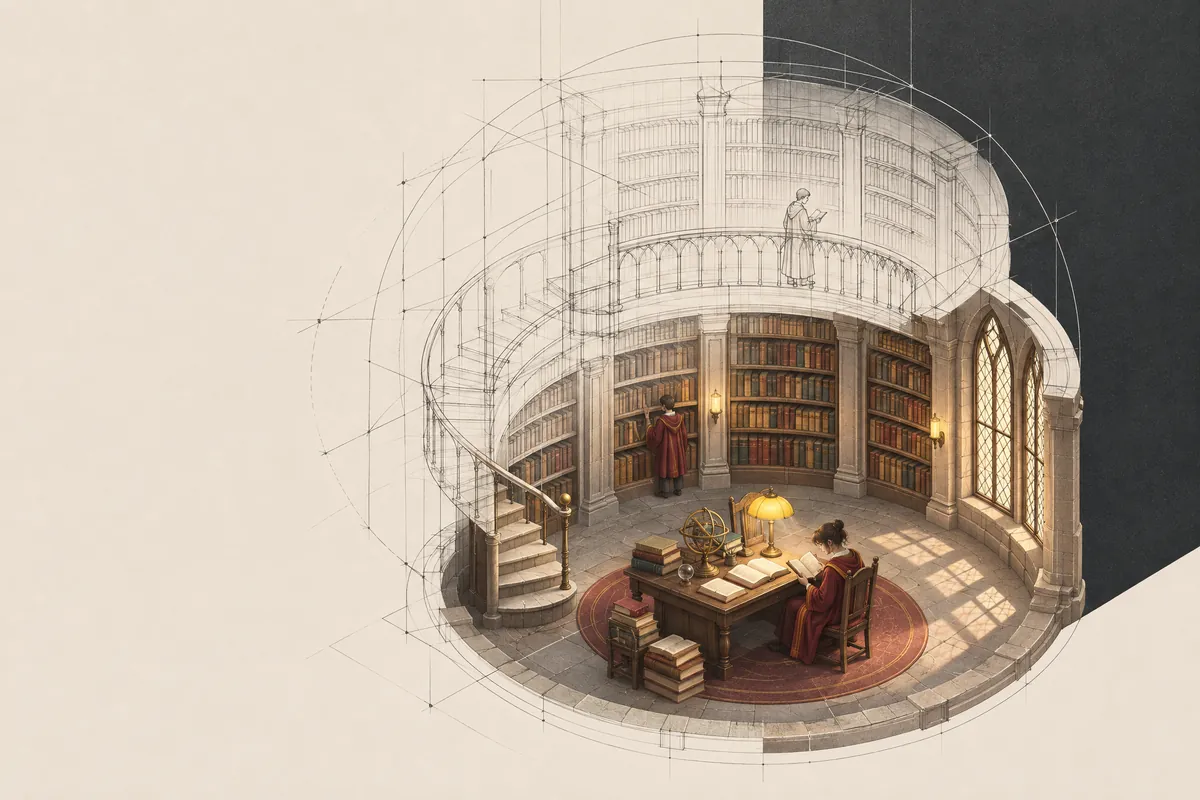
It is the night before the deadline and the group chat has one question in it: who was meant to do the references? A kanban board for students answers that before anyone has to ask. Every piece of work is a card, every card has a name on it, and the whole group watches the same board.
A group project that runs itself
Talk beside the board, not in a chat that scrolls away. Mention a groupmate with @ and link the card with #, so the question stays next to the work.

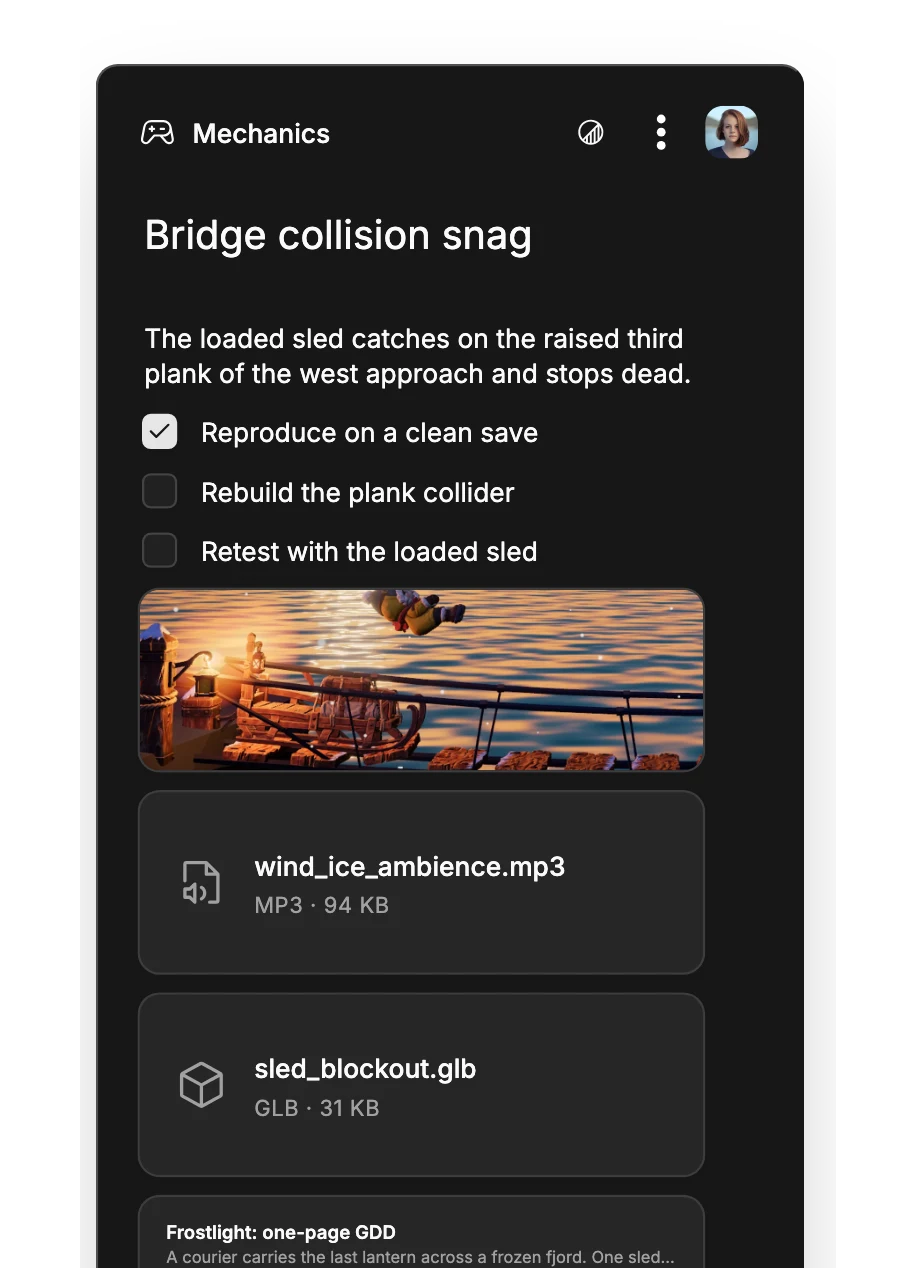
Each card holds its part of the work: notes, a checklist, the sources. PDFs, slides as images, recordings and Markdown notes open right on the card.
When a stage is done, close the cycle. It keeps what was finished and who finished it, so the group, and the tutor if you share it, can see what everyone contributed.

Set it up in ten minutes
- 1
Make a board for the project
One board, three columns: To Do, In Progress and Done. Nothing else to configure.
- 2
Invite the group
Send the invite link. Free has no limit on people, so the whole group joins at no cost.
- 3
One card, one owner
Break the brief into cards one person can finish. Put a name on each, and the hand-in date in the title.
- 4
Park the rest of term
Later sections, the presentation, the reflection: they wait in Tasks for later until it is their turn.
Who was supposed to do that? The board already knows.
On your own, too
Dissertation
A card for each chapter. Close a cycle as research, writing and editing end.
Revision
A card for each exam topic, moved to Done as you cover it.
Reading lists
Papers and chapters as cards, with your notes on each.
Modules
A board for each, or one board with a category per subject.
Kanbanq has no calendar or due dates today, so put the date in the card's title. Due dates are coming soon.
Free for the whole group
€0
for every member of the group
250
active tasks, plenty for a term
0
forms to fill in: there is no student plan to apply for
Questions from students
Group work
How do I use Kanbanq for a group project?
Make a board and invite the group. Give each card to one person, mark what the others are waiting on as Urgent or High, and move finished work to Done so everyone sees progress at a glance.
Can I invite my whole study group for free?
Yes. Free has no limit on people, so nobody pays for a seat. Everyone can move cards and see the board change live as soon as they join.
Can my professor or tutor see my Kanbanq board?
Only if you let them. Invite them as a member, or publish the board and send the link: they read it without an account and can change nothing.
Is Kanbanq really free for students?
There is no student plan: Free is free for everyone, with no time limit and no limit on people, and it holds 250 active tasks. No credit card required.
Your own study
Can I use Kanbanq for my dissertation?
Yes. Make a card for each chapter, keep the ones you have not started in Tasks for later, and close a cycle as each phase ends: research, writing, editing.
How do I track deadlines if Kanbanq has no calendar?
Put the date in the card's title and use priority for what is urgent. A Due this week column at the start of the board keeps the nearest hand-ins in view.
Can I keep separate boards for different modules?
Yes. Make a project for each module, or keep one board and give each subject a category of its own.
How is Kanbanq different from Trello?
Kanbanq gives you one board for the work in progress and Tasks for later for everything else, with nothing to set up. The comparison sets the facts side by side: Kanbanq and Trello.