All of Kanbanq, on one page.
Eight things, top to bottom. Two minutes.
1 of 8 · Start
Say what you are making.
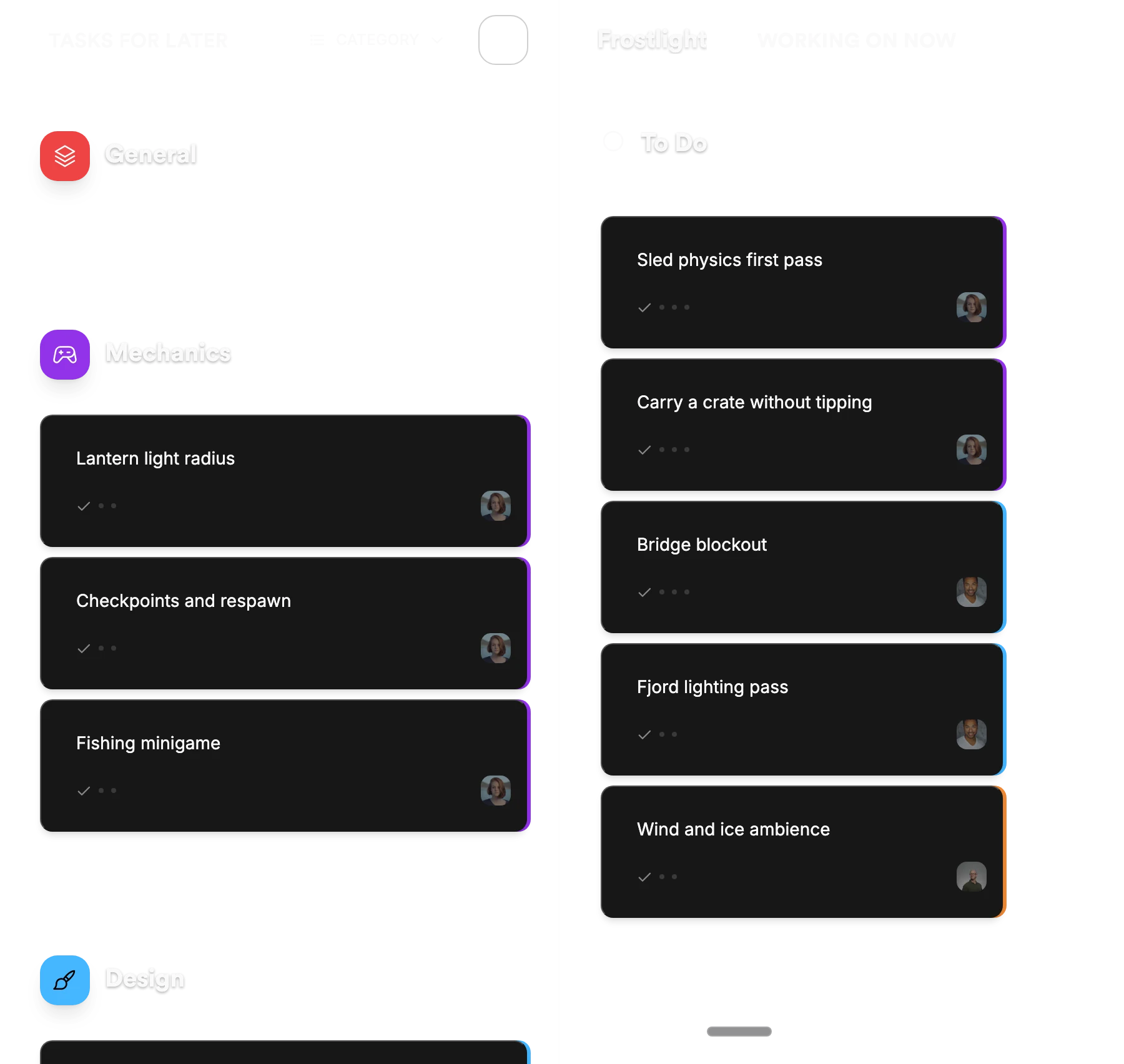
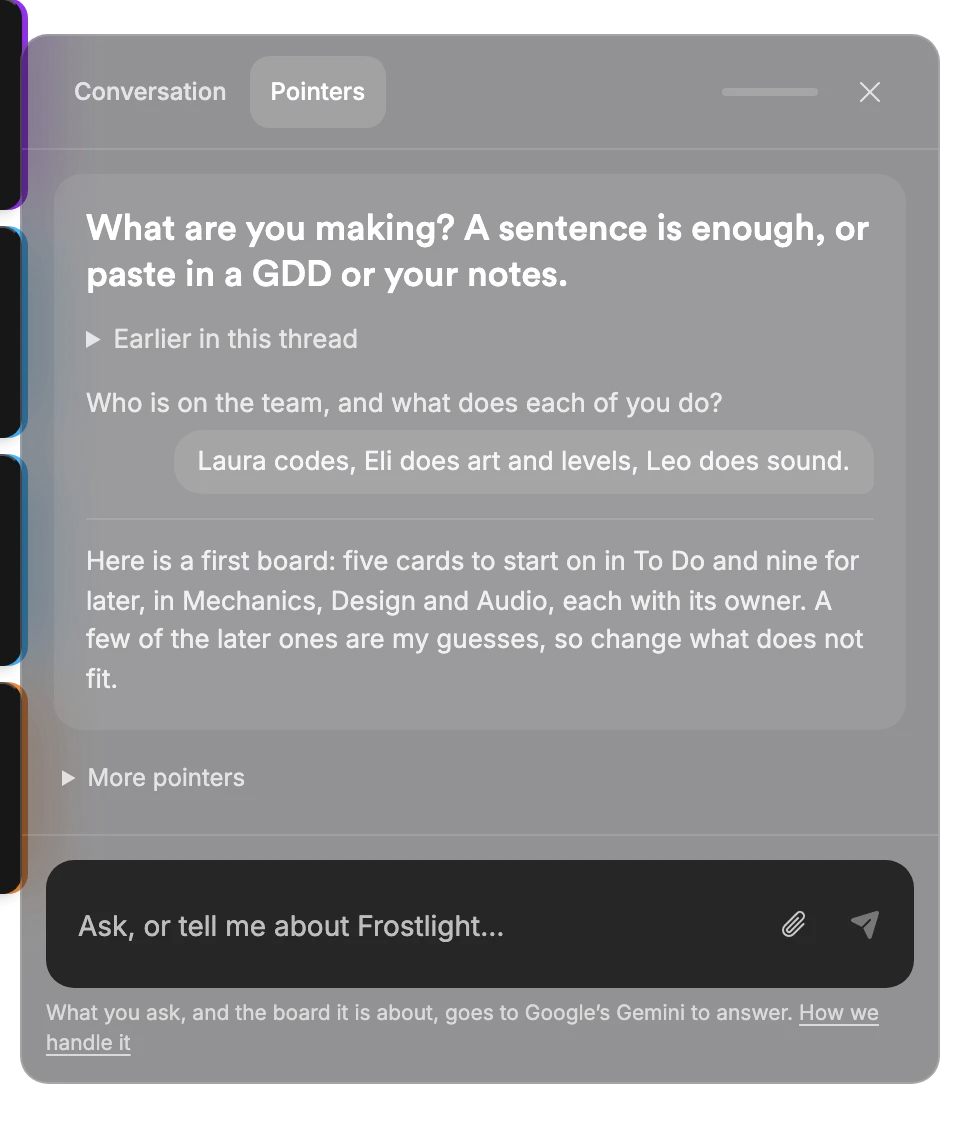
Describe the game in a sentence, or paste in your GDD. The assistant asks what is unclear, then drafts your first board. You check it and change what you like.
2 of 8 · The board
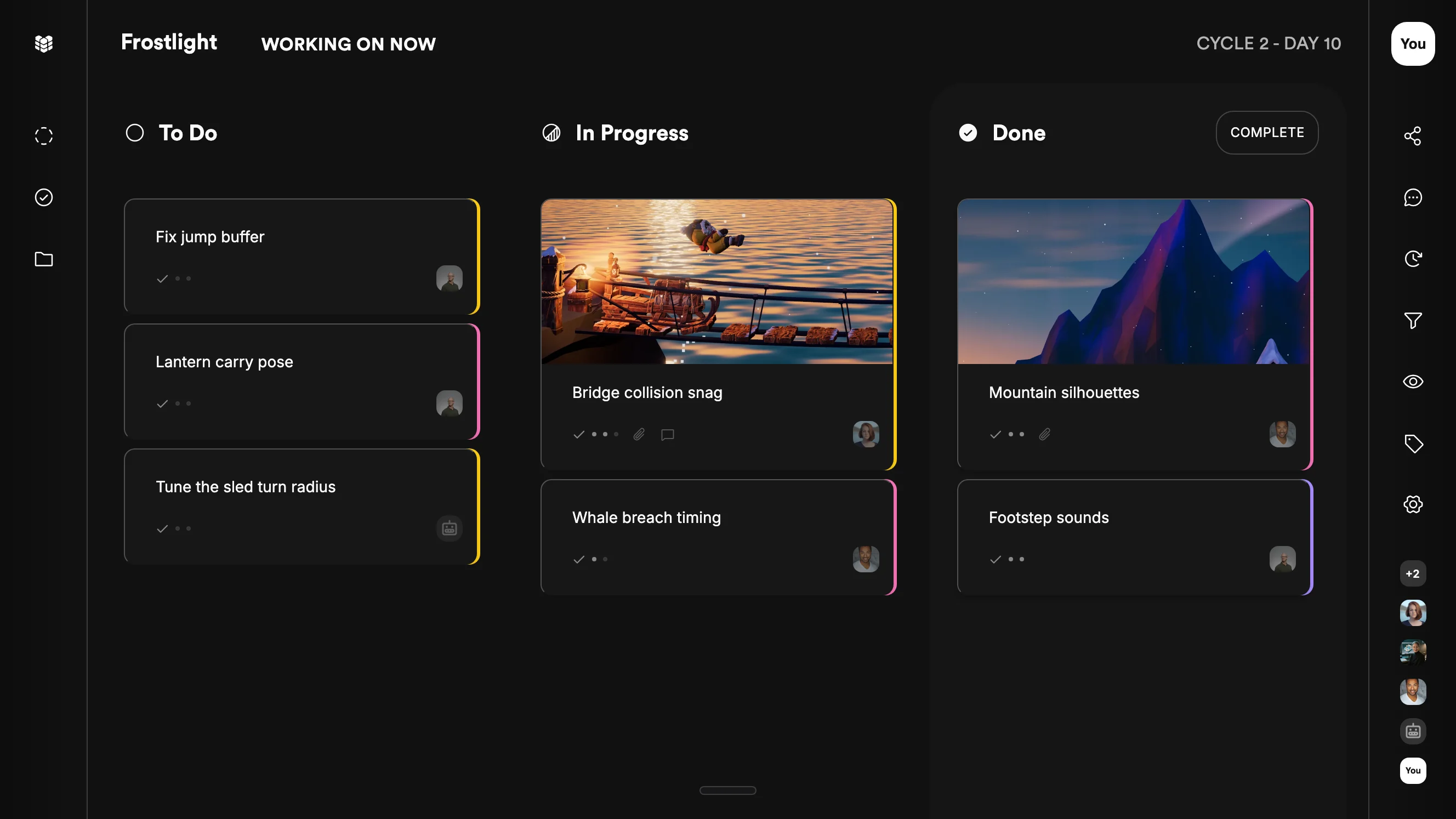
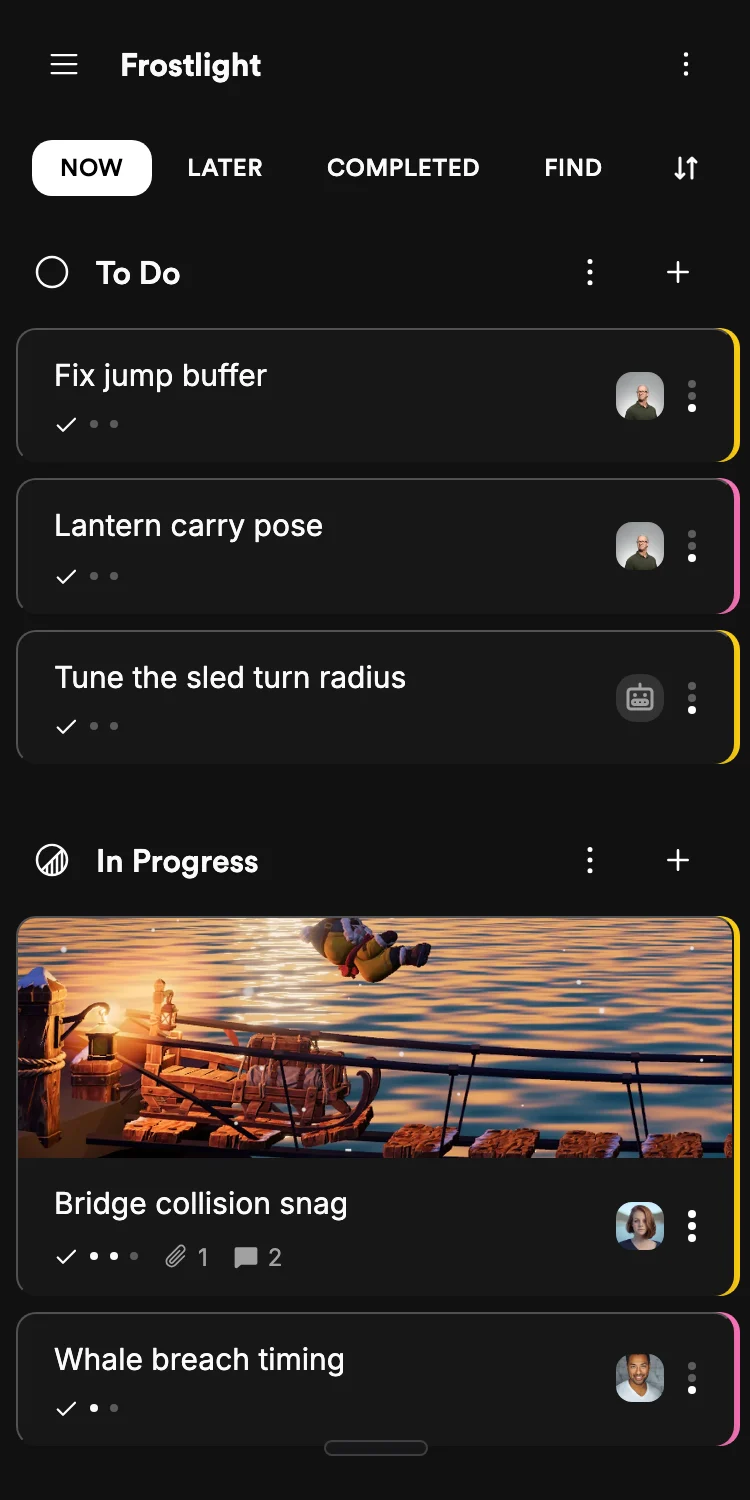
Three columns. The whole team, live.
To Do, In Progress and Done. Cards land and messages arrive as they happen, so nobody has to ask who has what. This one is real: open a card, drag one across, or use the buttons to see its other views and modes.press Use the board, then open a card or look through its Later and Completed tabs.
3 of 8 · The card
The work lives on the card.
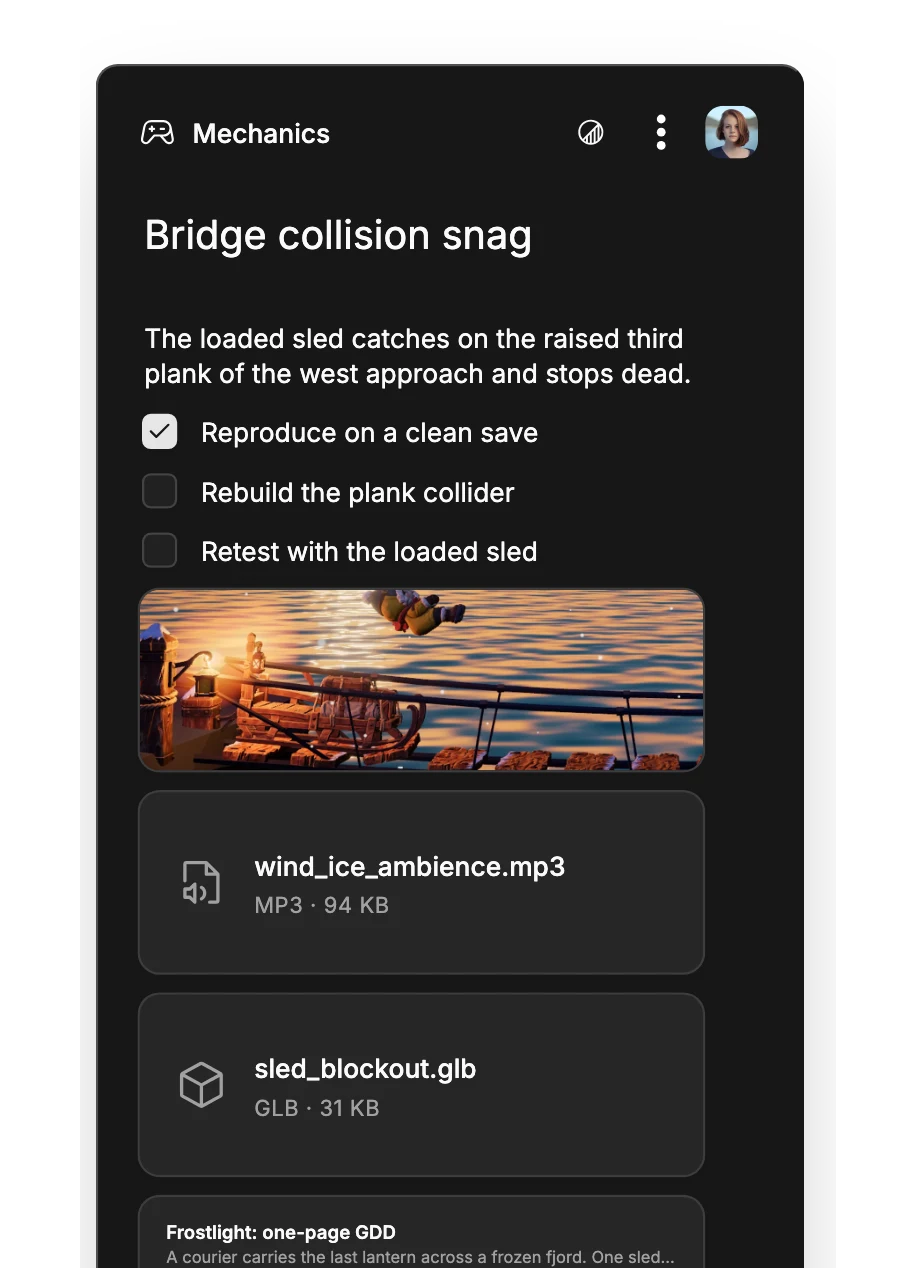
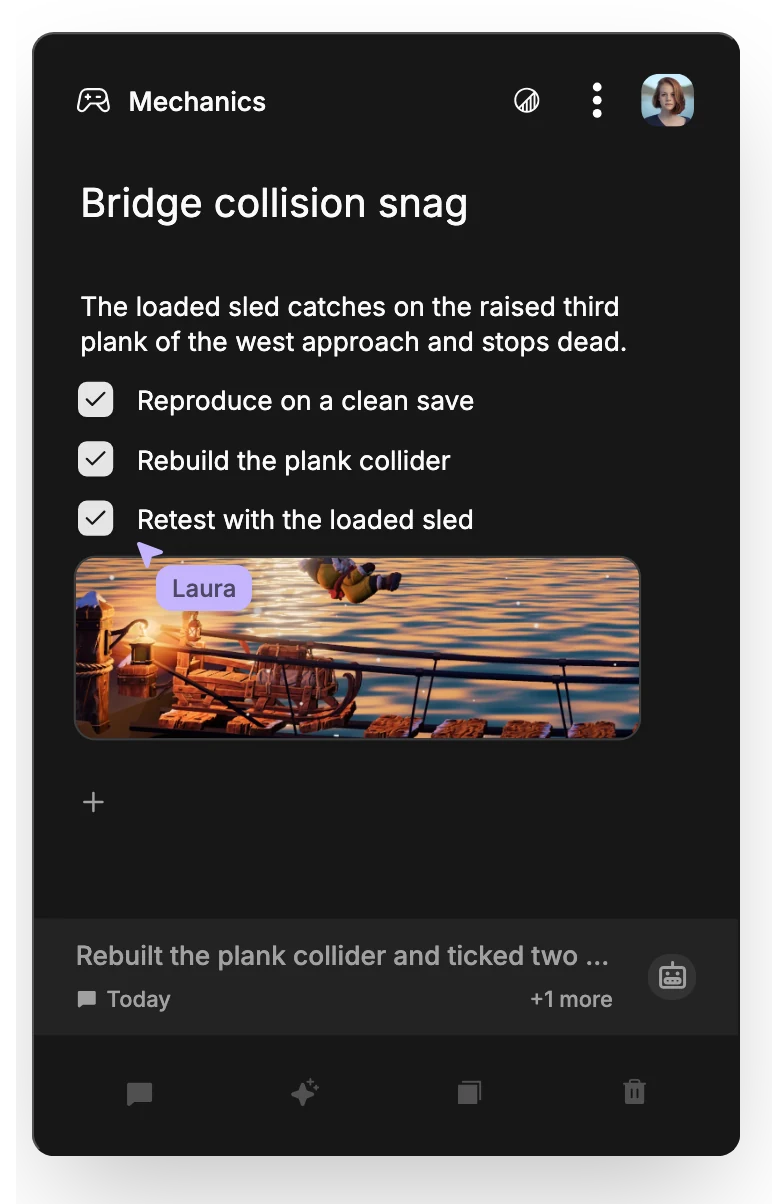
The bug, the checklist to fix it and the build to test, in one place. Comments stay with the task they are about, and files open right on the card:
The note, the checklist, the files and the conversation: one card holds all of it.
4 of 8 · For later
Not now? Keep it for later.
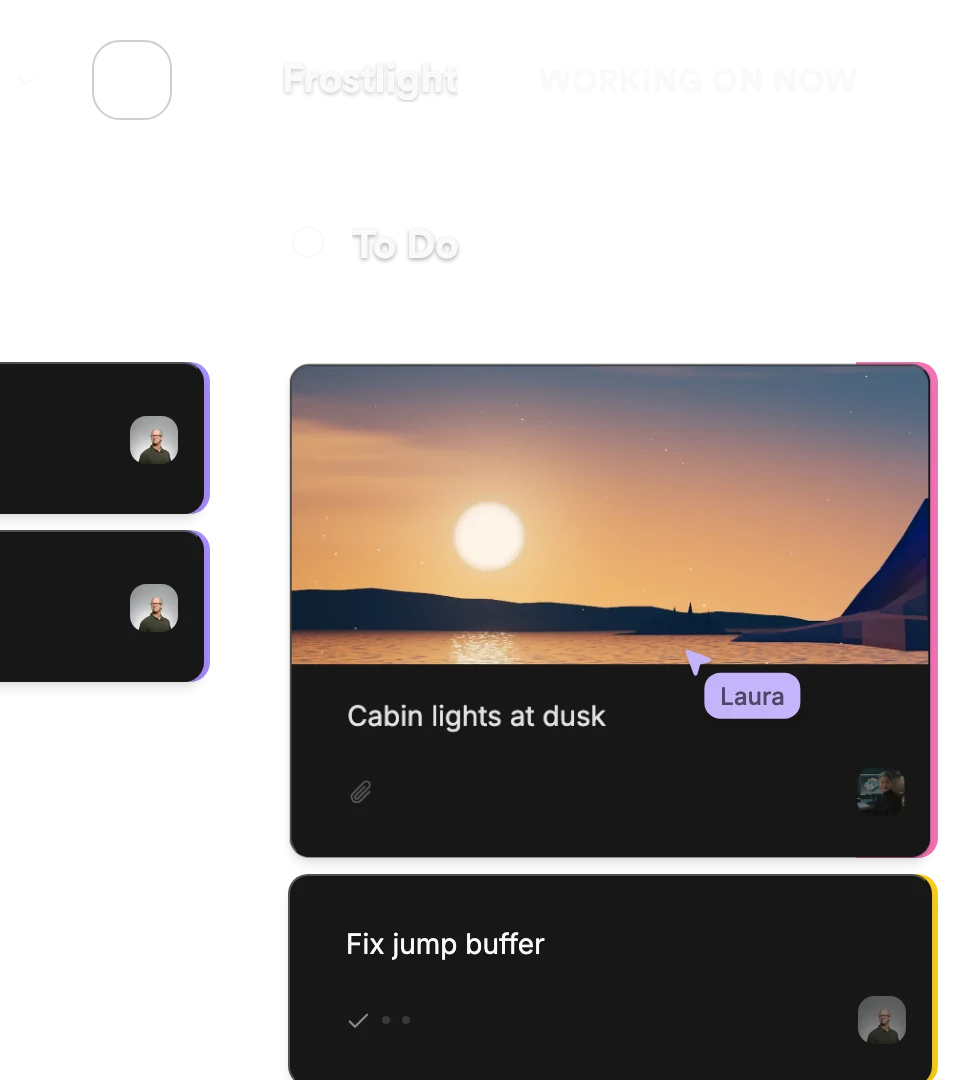
Tasks for later sits beside the board, sorted by category, priority, person or when it was added. Pull a card across when its time comes.

5 of 8 · Complete
Finish a cycle. Everyone knows what shipped.
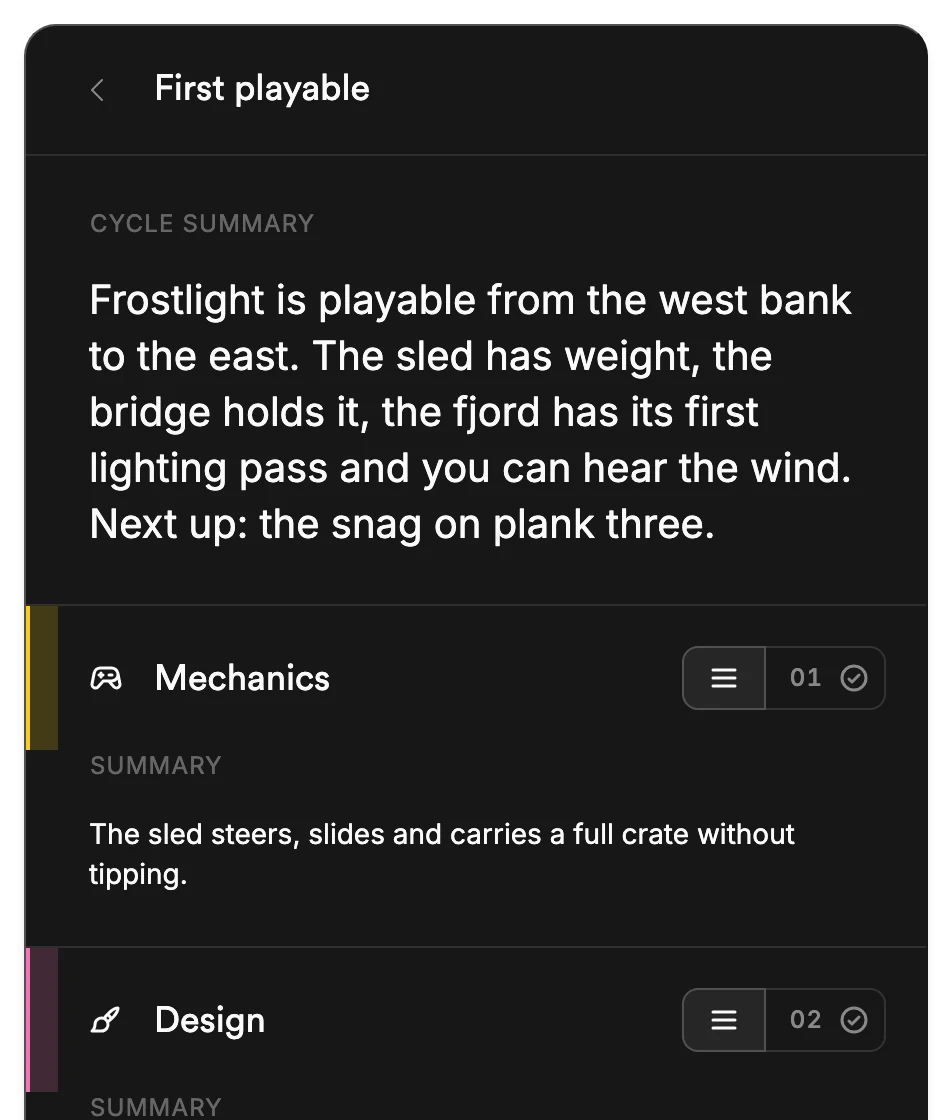
Work in cycles: a week, a fortnight or whatever the build needs. Press Complete and Kanbanq writes up what the team shipped, emails it to everyone and leaves the board clean.


6 of 8 · Agents
Your AI works on the board with you.
Connect your own AI tools over MCP, or add agents to the team. Give one a card as you would a person: it reads the card, does its part on your own tools, says what it did and hands it back. A person signs it off.
Every agent wears an Agent badge and shows as the assignee on its cards, so you can see which one is working on what: on the board above, press Only the agent's cards. Agents work on the board on a paid plan; on Free, your own AI tools can connect and read it.


7 of 8 · Spaces
Keep things separate.
On Team and Studio, a workspace splits into Spaces: one for each game, for a partner, for live-ops or marketing. Each has its own boards and its own people, so you can invite someone to one Space without showing them the rest.
Team comes with 3 Spaces. Studio has as many as the studio needs.
The game
A partner
Live ops
8 of 8 · Yours
Your game has a look. So should its board.
Pick a photo, a gradient or your own art. You will be looking at it every day. Try one:
