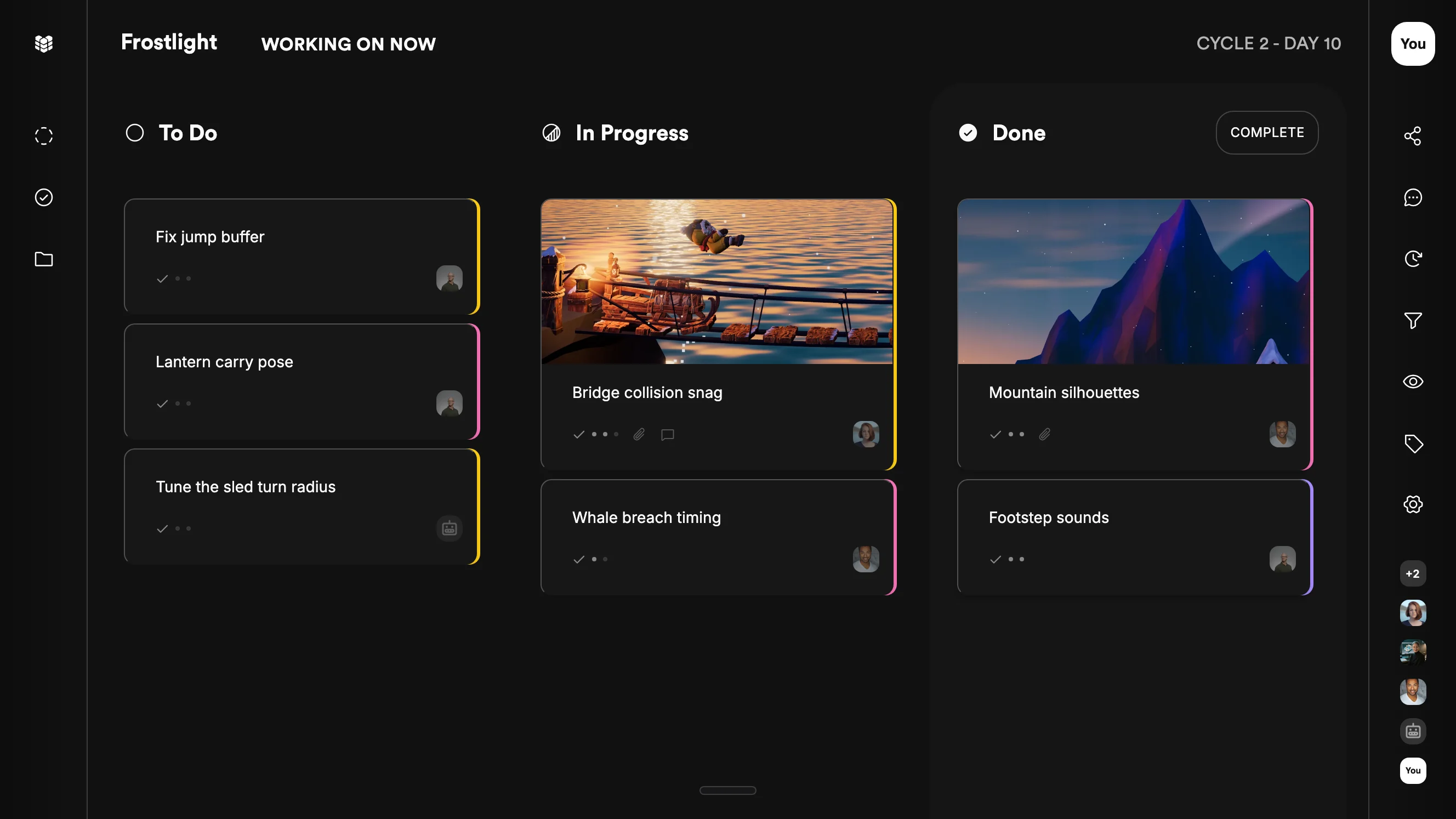
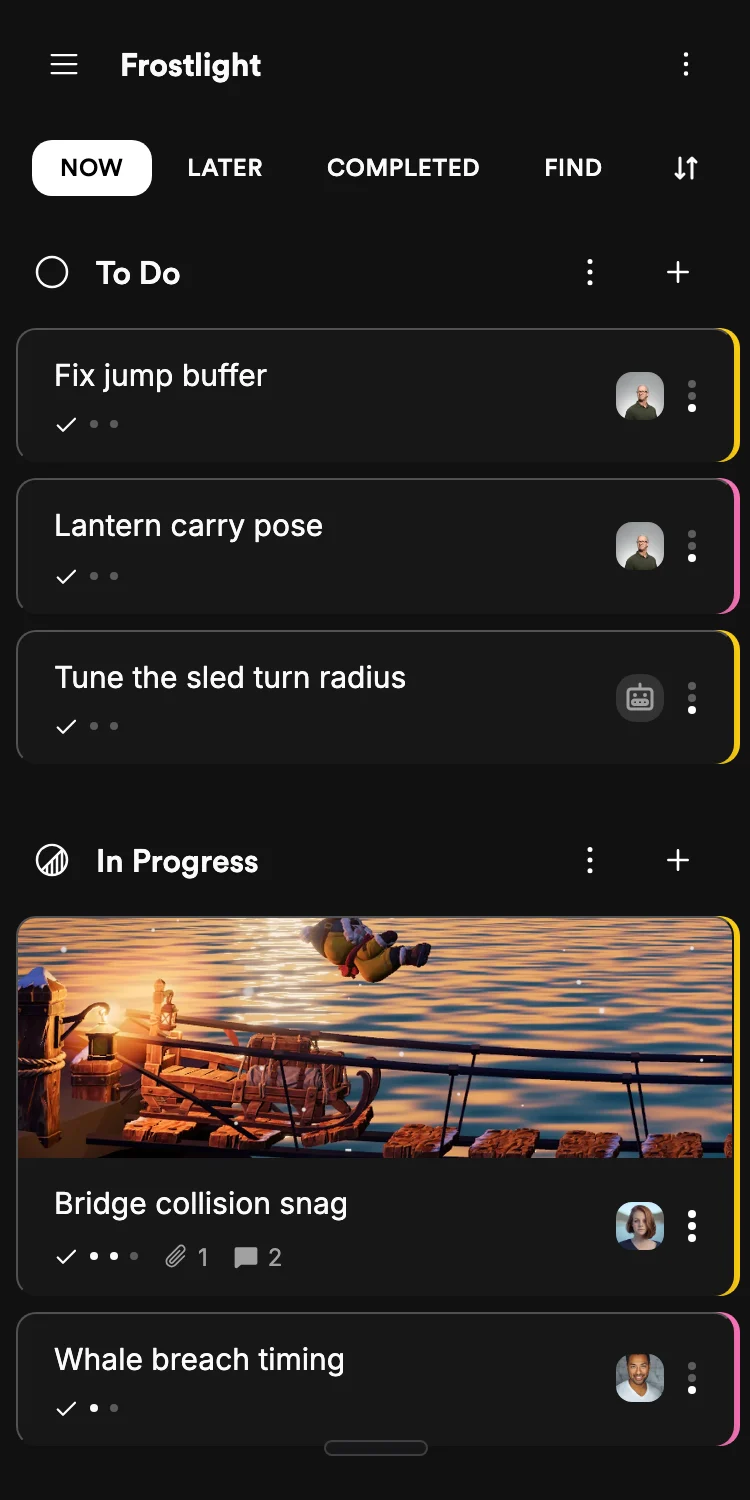
Not now? Keep it for later.
Ideas wait off the board, sorted by category, one drag away.
How tasks for later workOnly this cycle's work is on the board. Every other idea waits in Tasks for later.
Press Complete. Kanbanq writes up what shipped and the board starts clean.
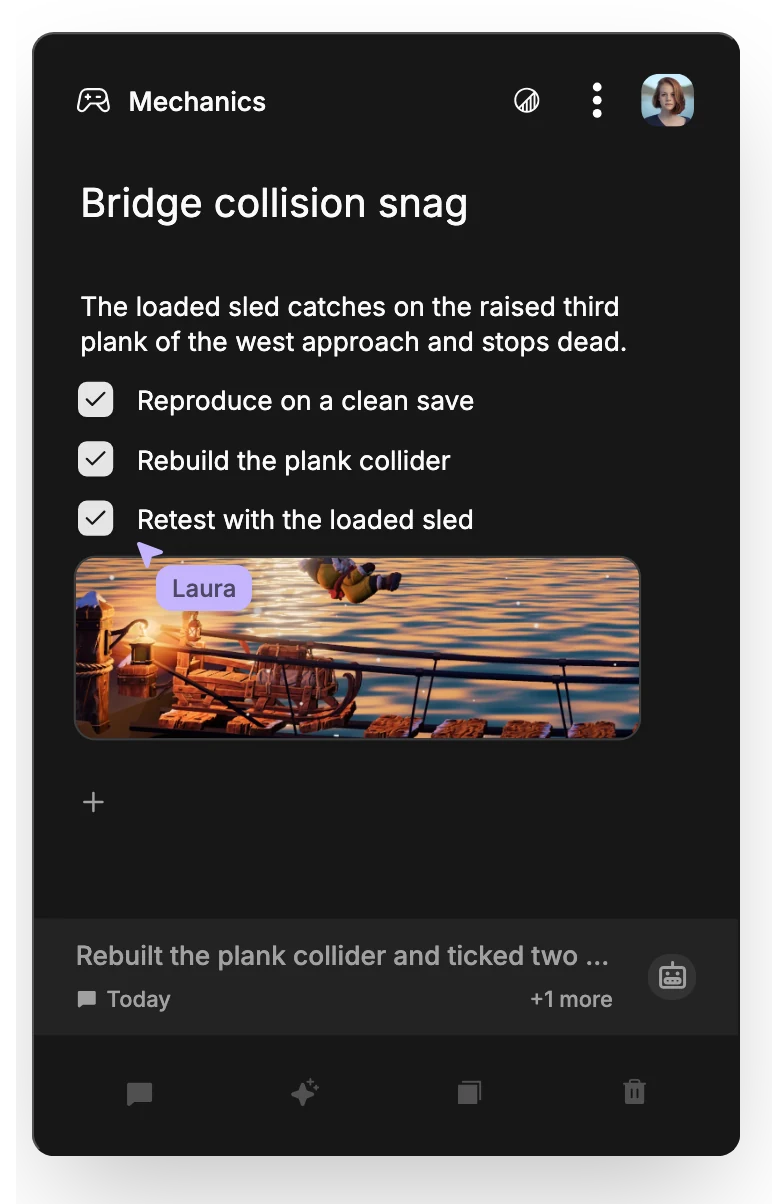
The checklist, the files and the conversation all live on the card.
Getting started takes seconds. Type a sentence, answer a question, and the assistant drafts the board: a few cards to start on, the rest kept for later.
What are you making? A sentence is enough.
Ideas wait off the board, sorted by category, one drag away.
How tasks for later work
Kanbanq writes up what the team shipped and emails it to everyone.
How cycles work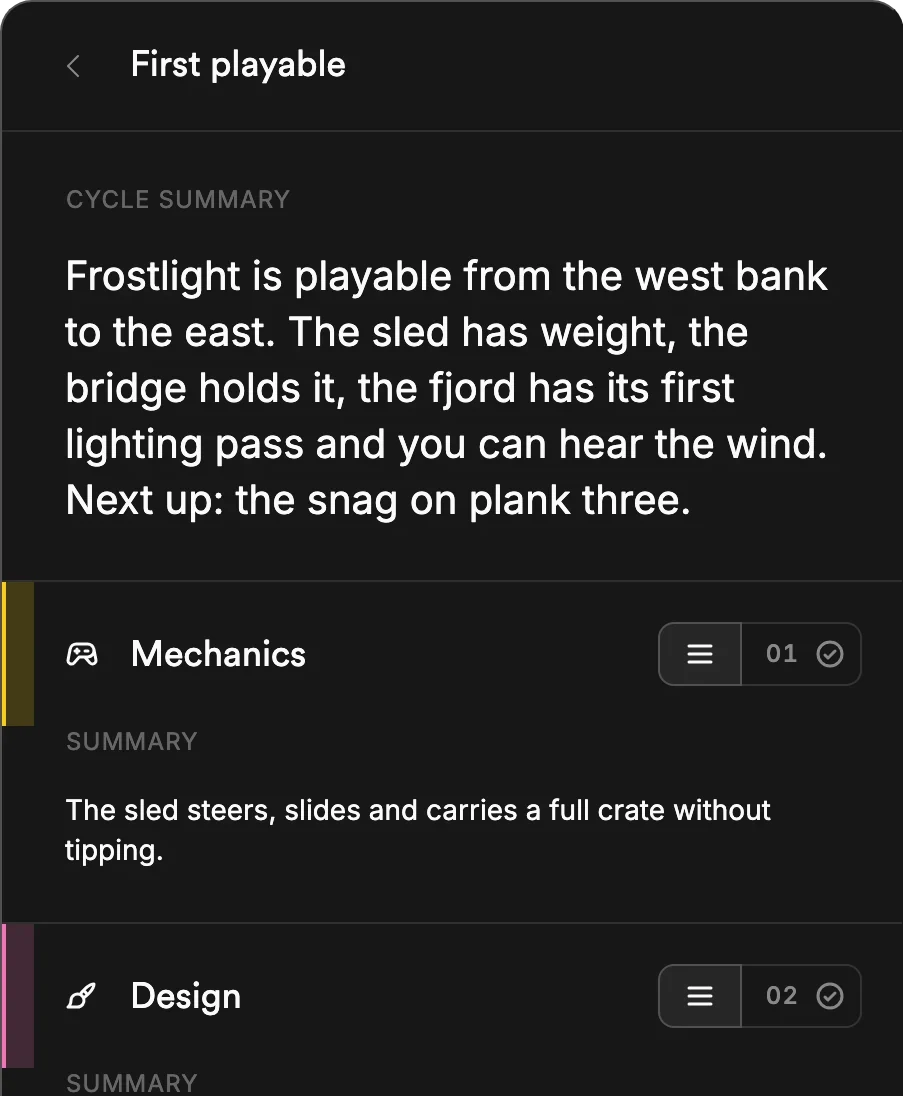
 The cycle's write-up
Images, sounds and clips open right on the card, and the comments stay with them.
The trailer, the store page and the launch plan, on the game's board or a board of their own.
The bug, the checklist to fix it and the build to test, in one place.
They read the board and its files to learn the game, then pick up a card and do it, like anyone on the team.
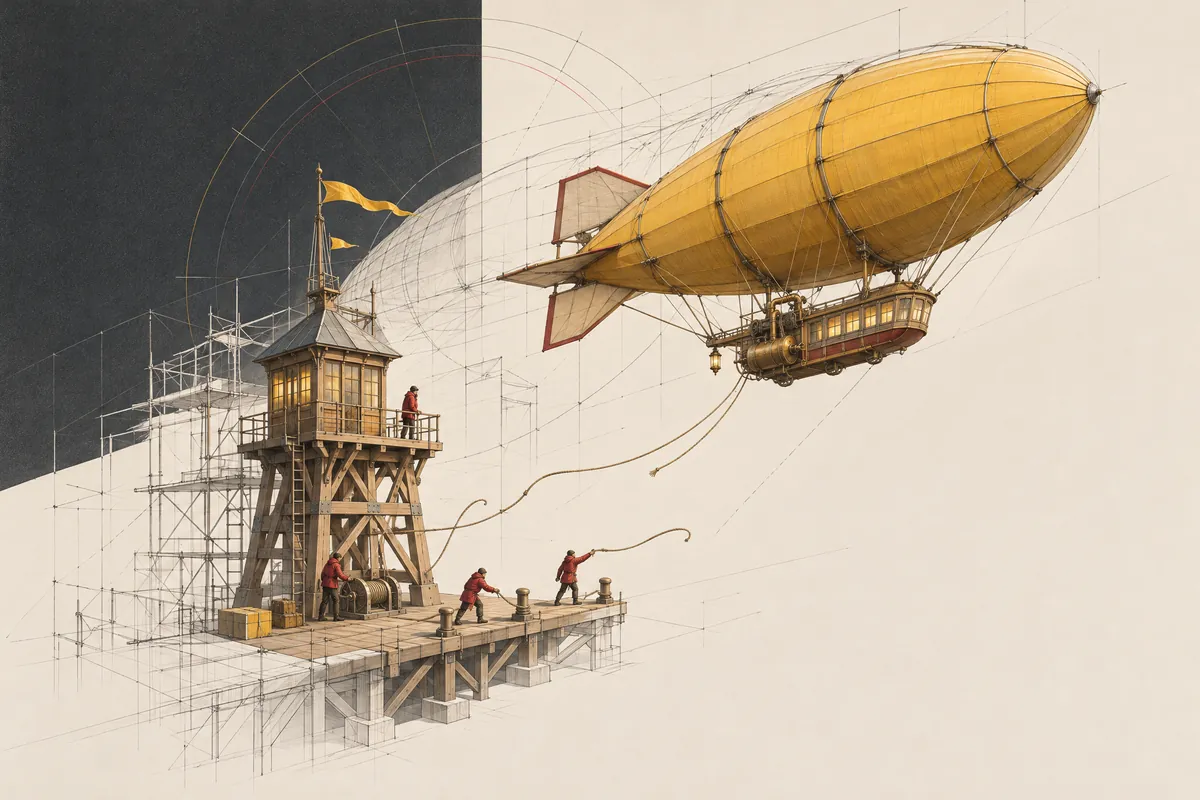
News · Kanbanq 0.4
An assistant that drafts your board, agents on the team, commits on your cards, Spaces, and one price for the whole team.
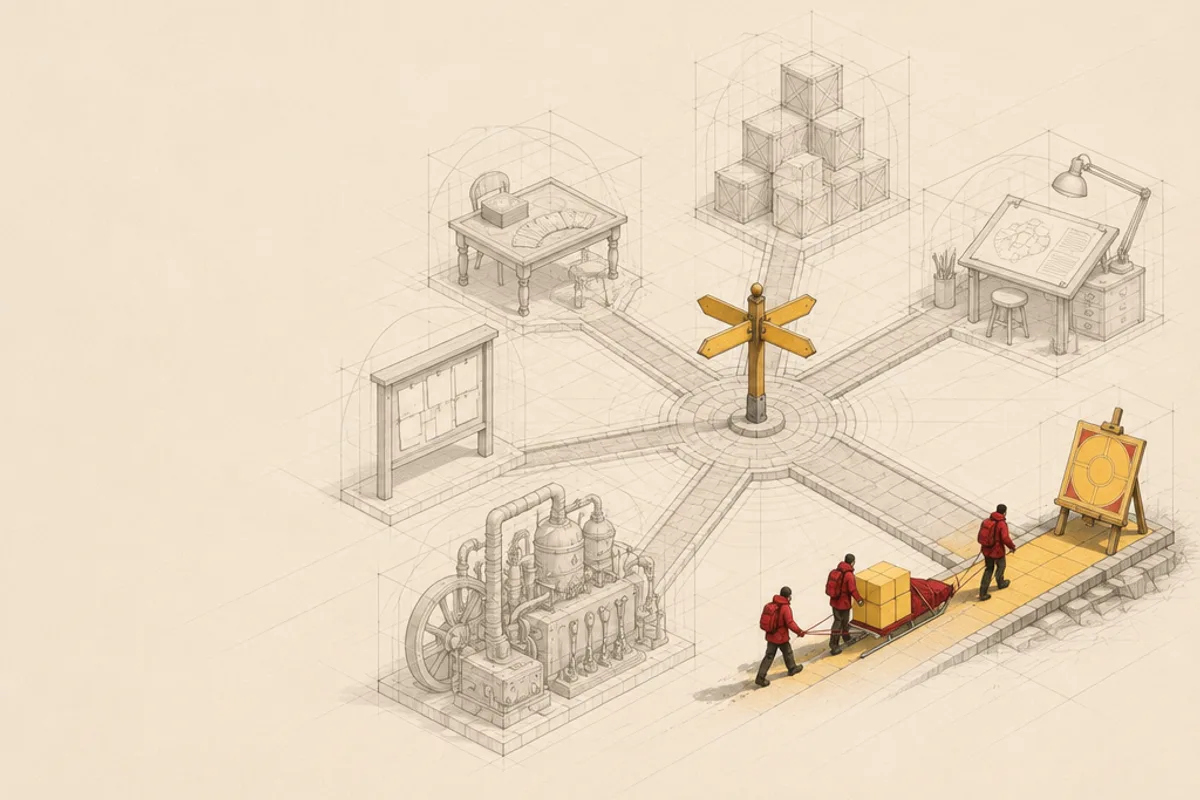
Comparison · Switching tools
Kanbanq, Codecks, HacknPlan, Trello, Jira, ClickUp and Asana in one short read: who each suits, what a team pays, and when to stay put.
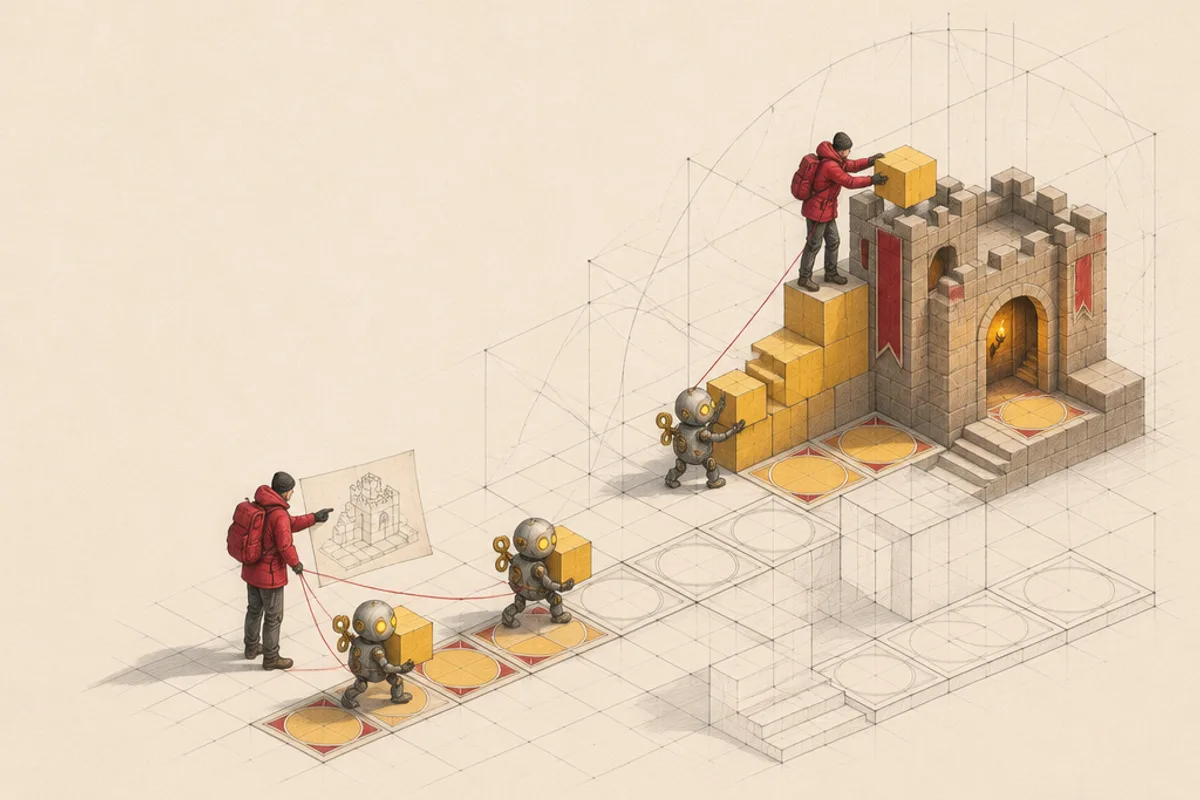
Article · Working with AI
How a game team works with AI agents on one board: who decides, who does the work, and how to start this week.