Article · For freelancers
Agile project board for freelancers
Updated
Three clients, two invoices due and a revision request sitting in an email you meant to answer yesterday. Freelancing is mostly keeping track. An agile board for freelancers puts it all in one place, so you can see the week at a glance and stop carrying it in your head.
Here is a freelancer's week in Kanbanq.
A week on one board
Monday: pull in the week
Everything coming up waits in Tasks for later, sorted by category: one for each client, or one for each kind of work. Drag this week's deliverables onto the board and leave the rest where it is.

Keep each client apart
Give each client a project, and each project a background of its own, so you know whose work you are in before you read a word.
Or keep one board and give each client a category, and filter by it.

A revision is a card
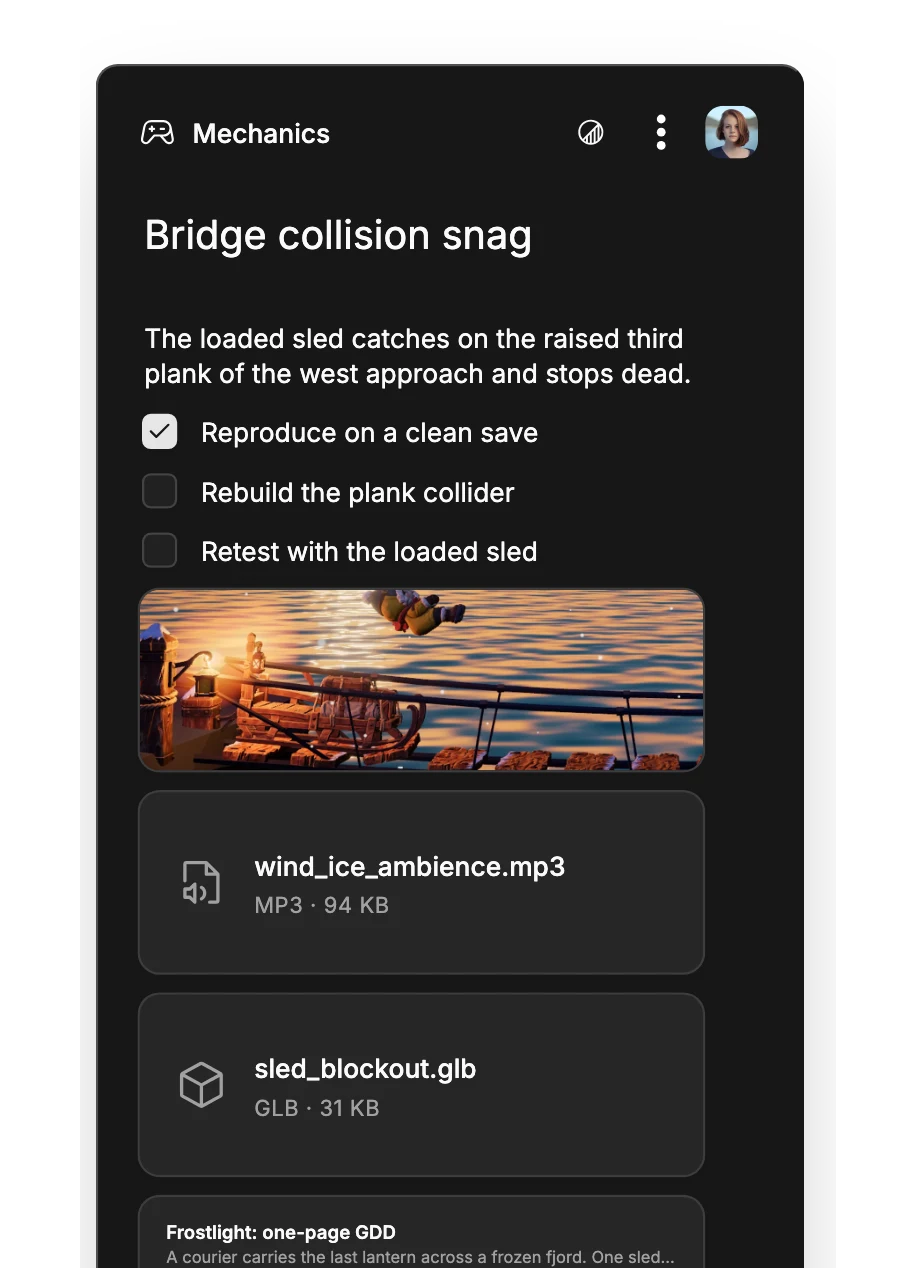
When feedback lands, make it a card: the request in the note, the changes as a checklist, the reference image attached. Tick it off as you go, and nothing stays buried in email.
Phase delivered: close the cycle
Close the cycle when the phase is done, not when a date comes round. It keeps what you delivered, by category, with a written summary.

The closed cycle is the list you invoice from.
What freelancers keep on the board
Client work
Briefs, deliverables and revision rounds, a category for each client so nobody's work gets mixed up.
Proposals
Pitches you are writing and ones you have sent, so a quiet month starts with something already moving.
A client's view
Publish a board and send the link. The client reads where things stand, with no account and no way to change it.
Your own record
Every closed cycle stays. After a year, that is a log of everything you shipped, for your portfolio and your tax return.
Kanbanq does not track time or show two clients in one view today.
What it costs a freelancer
€0
for you and every client you invite
250
active tasks on Free
€9
a month on Pro, with no task limit
Questions from freelancers
Clients
Can I manage several clients in one Kanbanq account?
Yes. Make a project for each client, open to the workspace or private to the people on it. Or keep everything on one board and give each client a category of its own.
Can I share my board with a client?
Yes, in one of two ways. Invite them, and they become a member who can change things and talk in the board's conversation. Or publish the board, and they read it from a link, with no account and no way to change it.
Can I see all my client work in one view?
Not across projects: each project is its own board. For one view of everything, keep one board with a category for each client, and filter by category to see one client at a time.
How do I use cycles for billing?
Close a cycle when a phase is delivered. It keeps what was finished, by category, with a written summary of it. Raise the invoice from that.
Working alone
Is Kanbanq useful if I work alone?
Yes. A board shows what is in progress and what is waiting, so you stop holding it all in your head. Tasks for later park future work and ideas without cluttering the week.
Is Kanbanq free for freelancers?
Free costs nothing, for you and anyone you invite, and holds 250 active tasks. Pro has no limit on tasks. Every plan is on the pricing page.