Article · For game studios
Project tracking for game studios
Updated
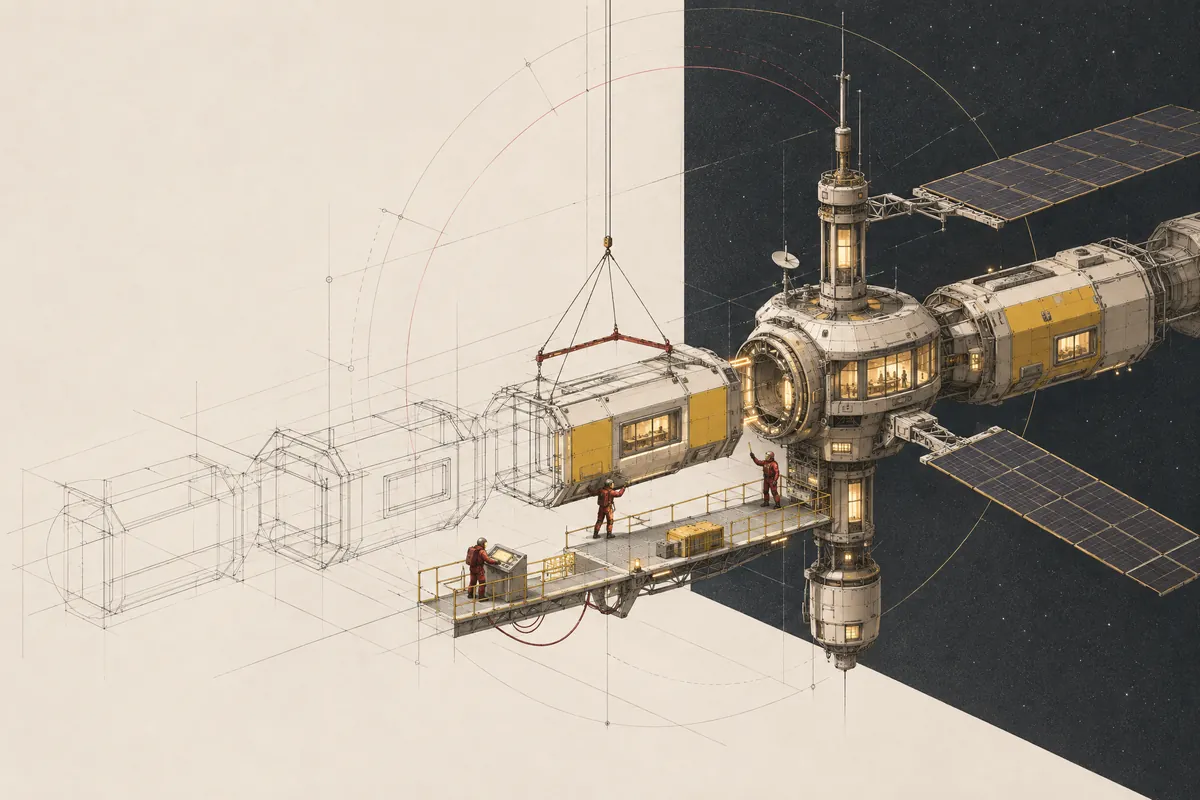
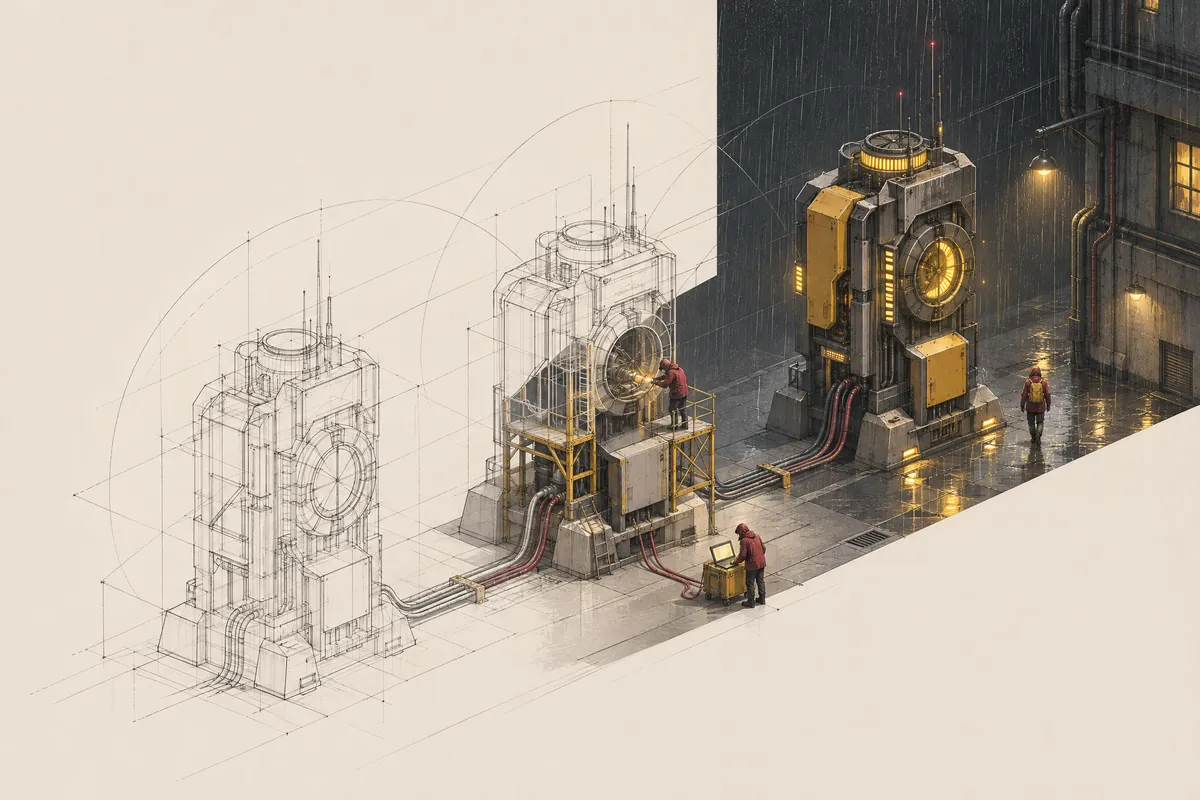
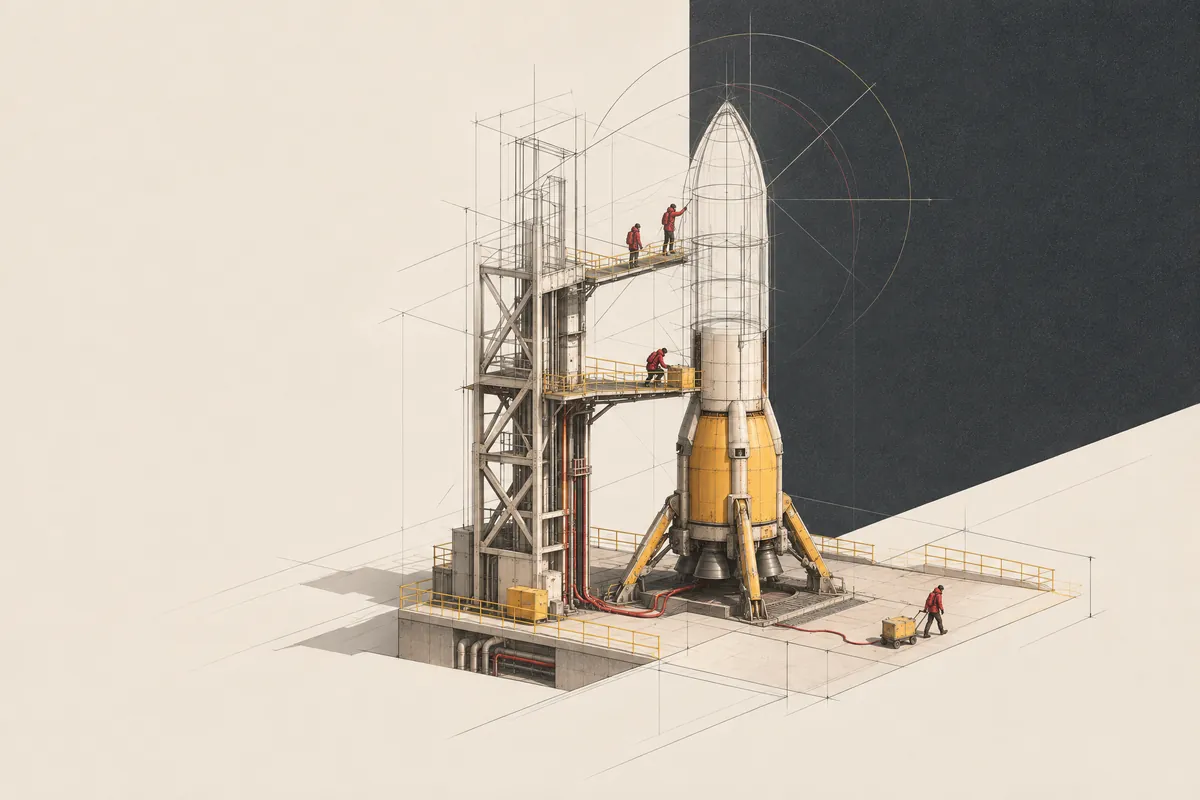
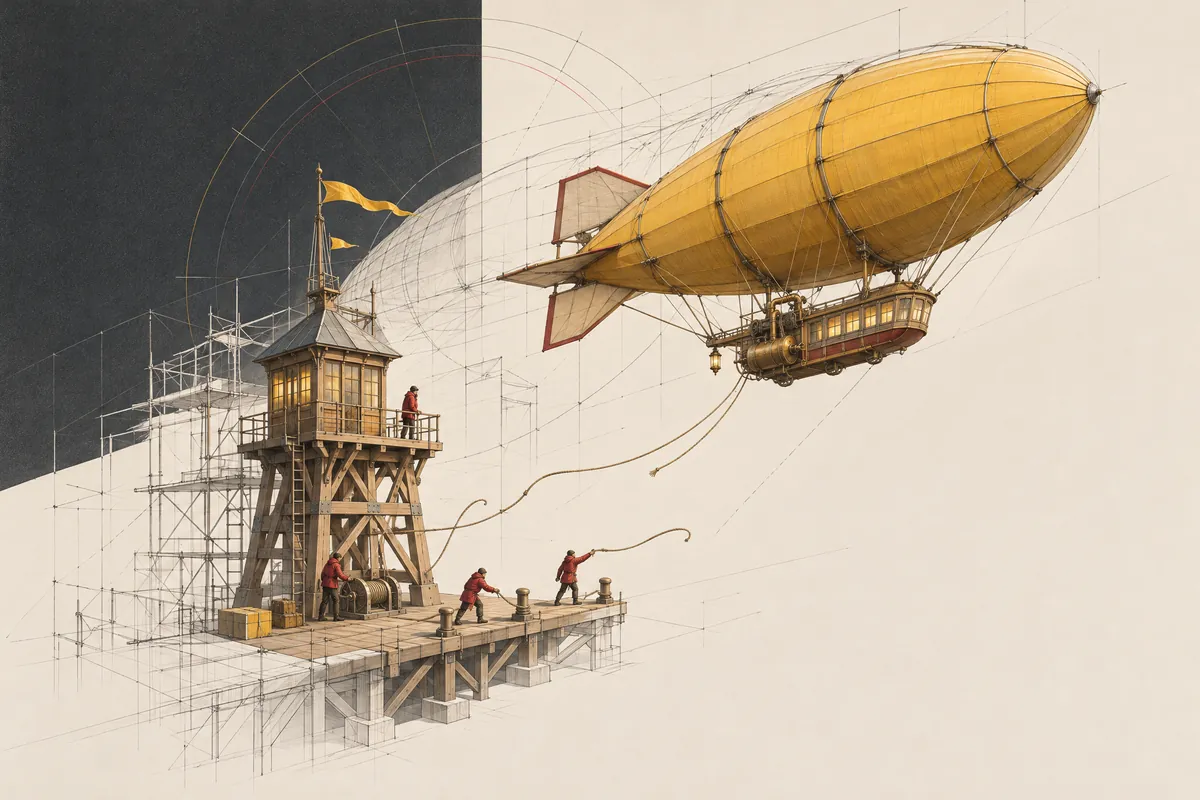
Project tracking in a game studio tends to break in the same place. The code is in one tool, the art in a shared drive, the sounds in someone's messages, and nobody can say what is going into the next build without asking three people.
Kanbanq puts all of it on one board the whole studio watches change: every discipline, every file on the card it belongs to, and a cycle that ends when the build does.
Project tracking for a studio, one build at a time
Put the whole studio on the board
Programmers, artists, designers and the composer, on one live board. Everyone's cursor shows as they work, and the project feed beside the columns keeps questions next to the work, with @ for a person and # for a card.
Free has no limit on people.

Keep the rest of the game for later
The board holds this build. The feature list, the asset list and every bug not worth fixing yet wait in Tasks for later, sorted by category, until you pull them over.

Put the files on the card
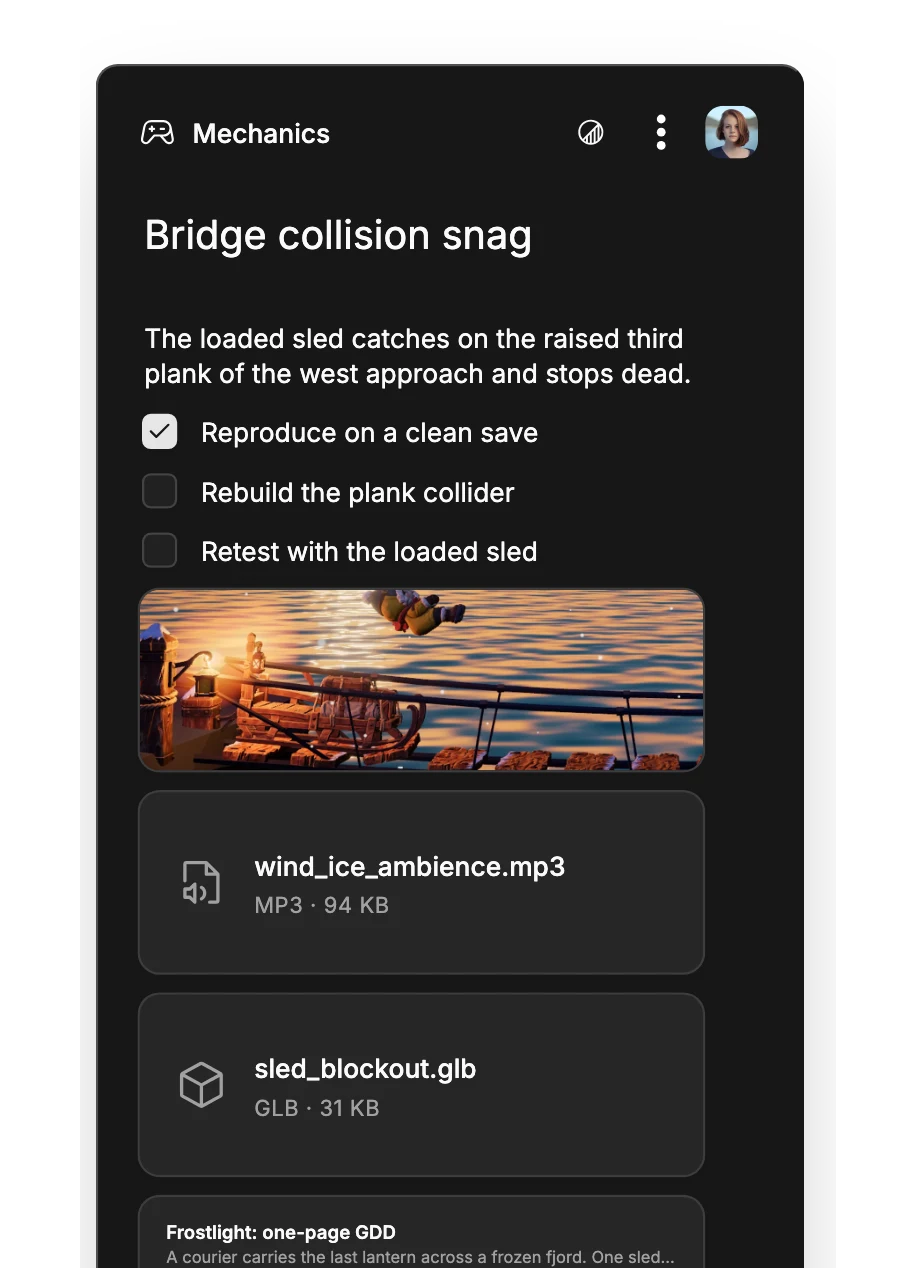
The screenshot, the sound, the model and the design note go on the card they belong to. Nobody digs through a drive for the latest version.
Free holds 10 files of up to 5 MB. Pro has no count and takes files up to 100 MB.
Hand cards to your agents
Claude Code, Cursor and other tools connect through Kanbanq's own MCP server. On Pro an agent joins the studio with its own name, takes the card it is given and reports back in the feed.
On Free your tools read the board. Writing needs Pro, and the first write opens a seven-day trial.

Ship the build, close the cycle
Press Complete on Done. Its cards are archived, the next cycle opens, and everyone gets an email of what shipped. A written summary covers code, art and audio, a category at a time.

Free for the whole studio
€0
for any number of people, with no time limit
250
active tasks on Free
3D
models in glTF, FBX or OBJ, turned on the card
Pro, at €9 a month for up to ten people, has no limit on tasks or files and adds agents at no extra charge.
Art and audio, opened on the card
A card is where the work is, so its files open there. A model turns, with its wireframe and the light to change. A sound plays with its waveform. A clip runs, and Markdown, code and spreadsheets read as pages. The artist checks the blockout and the programmer hears the footstep without leaving the board.


A cycle ends when the build is done, not when the calendar says so.
Every discipline, one way of working
Bugs
A Bug Fix category in Tasks for later, priority for severity, and onto the board when someone fixes them.
Builds
One cycle a build. Close it when the build ships, and the summary says what changed.
Levels
Layout, feedback and sign-off on the same board as the engineering they wait on.
Art and audio
Each asset a card with one owner, its file attached and its state in plain sight.
QA
A QA column between In Progress and Done, and every bug's state on the board.
Launch
Store page, press kit, trailer and review keys in one launch cycle, so you know what is left.
Kanbanq has no milestones or task dependencies today, so a studio that plans by them will keep those elsewhere for now. Milestones and due dates are coming soon.
Your game's art behind the board
Pick one of Kanbanq's own backgrounds, or upload a frame from the game itself, and the studio opens its own world every morning. Then publish the board read only: anyone with its address can follow the build without an account, and finished cards leave it when their cycle closes.

Questions from game studios
Planning the game
How do cycles work for game development?
A cycle is a batch of work, like a sprint without an enforced end date. You close it when the build is done, which suits a game: builds rarely ship on a fixed fortnight. The board counts the days it has been open, and nothing counts down.
How does milestone planning work in Kanbanq?
Not yet: milestones and due dates are coming soon. Until then, keep everything planned but not under way in Tasks for later, sorted by category, and name each cycle after the milestone it delivers: Vertical slice, First playable, Demo. When you start one, pull its cards onto the board.
Can I track bugs and features on the same board?
Yes. Give bugs a category of their own, use each card's priority for severity, and keep them in the same cycle as the features so nothing slips. Or triage them in Tasks for later first and bring over only the ones you will fix now.
Can I use Kanbanq for a project that runs for years?
Yes. Tasks for later hold the long list without cluttering the board, and every closed cycle keeps what was finished, by category and by person. Over a few years that is a record of the whole production, useful for retrospectives and publisher updates.
The studio
How does Kanbanq compare to Codecks or HacknPlan?
Both are made for game development and hold more of production planning. Kanbanq keeps to one live board for every discipline, free for the whole team. The comparisons set it out side by side: HacknPlan and Codecks.
What can our coding agents do on the board?
Read it on every plan: the cards, the columns, the cycle. On Pro they also write, so an agent can take a card, update it and report back in the project feed. On Free the first write opens a seven-day trial.
Is Kanbanq good for solo developers as well as studios?
Yes. The board is the same for one person as for thirty, there is nothing to configure, and Free costs nothing. Tasks for later are where ideas wait without being lost.
How does pricing work?
Free has no limit on people and holds 250 active tasks. Pro is €9 a month for a team of up to ten, with no limit on tasks or files and agents at no extra charge. Every plan is on the pricing page.