Article · For production teams
Project management for production teams
Updated
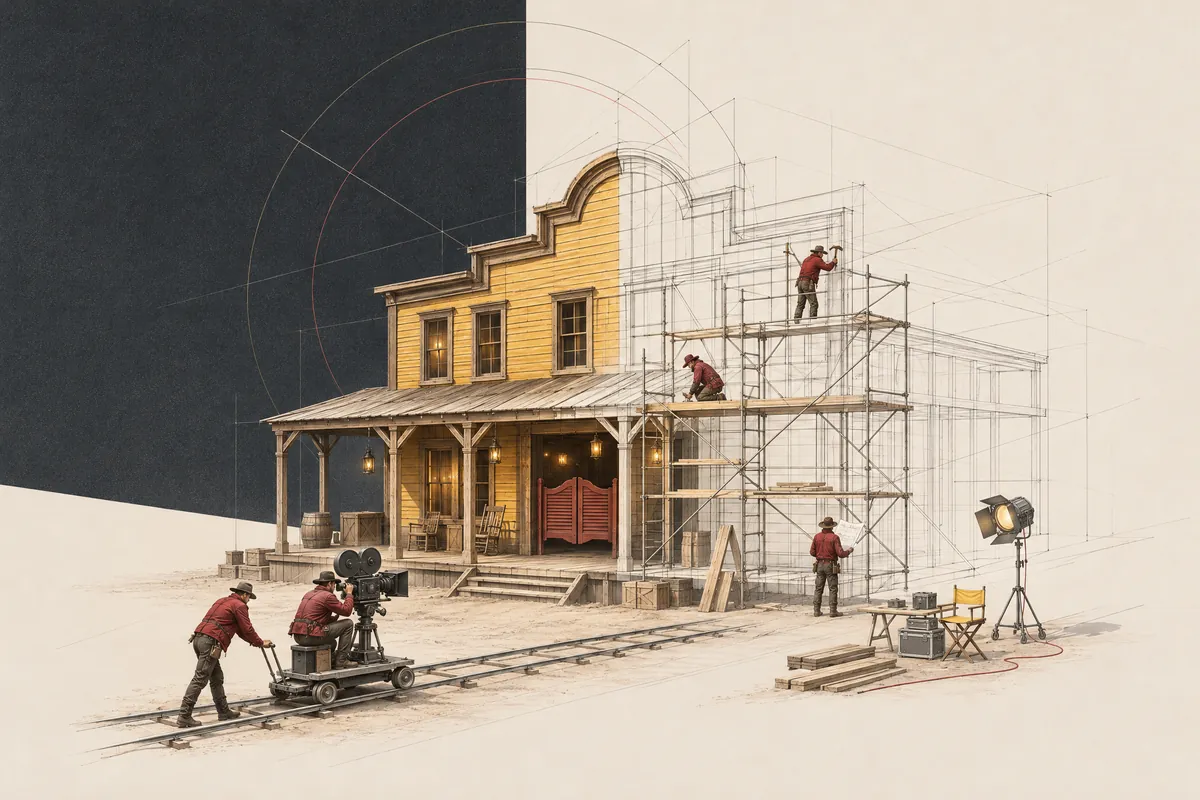
Project management for a production team means holding three timelines at once: what is being prepped, what is being shot and what is in post, with a client waiting on all of it. Most crews run that from a spreadsheet and a chain of status emails.
Kanbanq puts every stage on one board the crew watches change, with the cut and the mix on the card they belong to.
The cut and the mix, on the card
Attach a clip of the rough cut, the sound pass and the shot list to the card. The clip plays in place, the sound plays with its waveform, and documents read as pages, so the note about the third shot sits beside the shot itself.


Free for the whole crew
€0
for directors, editors, sound and every freelancer
250
active tasks on Free
100 MB
a file on Pro, with no count
Project management for production teams, stage by stage
- 1
Add a column for each stage
Shoot, Edit, Grade and Client review go between In Progress and Done, so a card walks through them in order.
- 2
Give every card one owner
The editor owns the edit, the colourist the grade. One person a card, so nobody wonders whose it is.
- 3
Park the next shoot
Future productions, pickups and ideas wait in Tasks for later, so the board shows only what is in production now.
- 4
Let the client look in
Publish the board read only, or invite the client. A person moves the card past Client review: nothing on the board records an approval.
Commercials
Brief to delivery in one cycle, with creative, production and post on one board.
Documentaries
Pre-production, each filming block and post as cycles of their own.
Corporate video
Briefs, stakeholder reviews and delivery in a pipeline everyone can see.
Photography
Logistics, editing passes, retouching and final delivery beside the video work.
Events
Logistics before, tasks on the day, editing and delivery after.
Remote post
Editors, VFX and sound working apart on the same live board.
Kanbanq has no shoot calendar or due dates today, so keep the schedule where the crew already reads it. Due dates are coming soon.
Phase wrapped. Crew told.
At the end of a phase, press Complete. Before anyone has asked how the shoot went, the whole crew has an email of what was delivered and who delivered it, with a written summary.
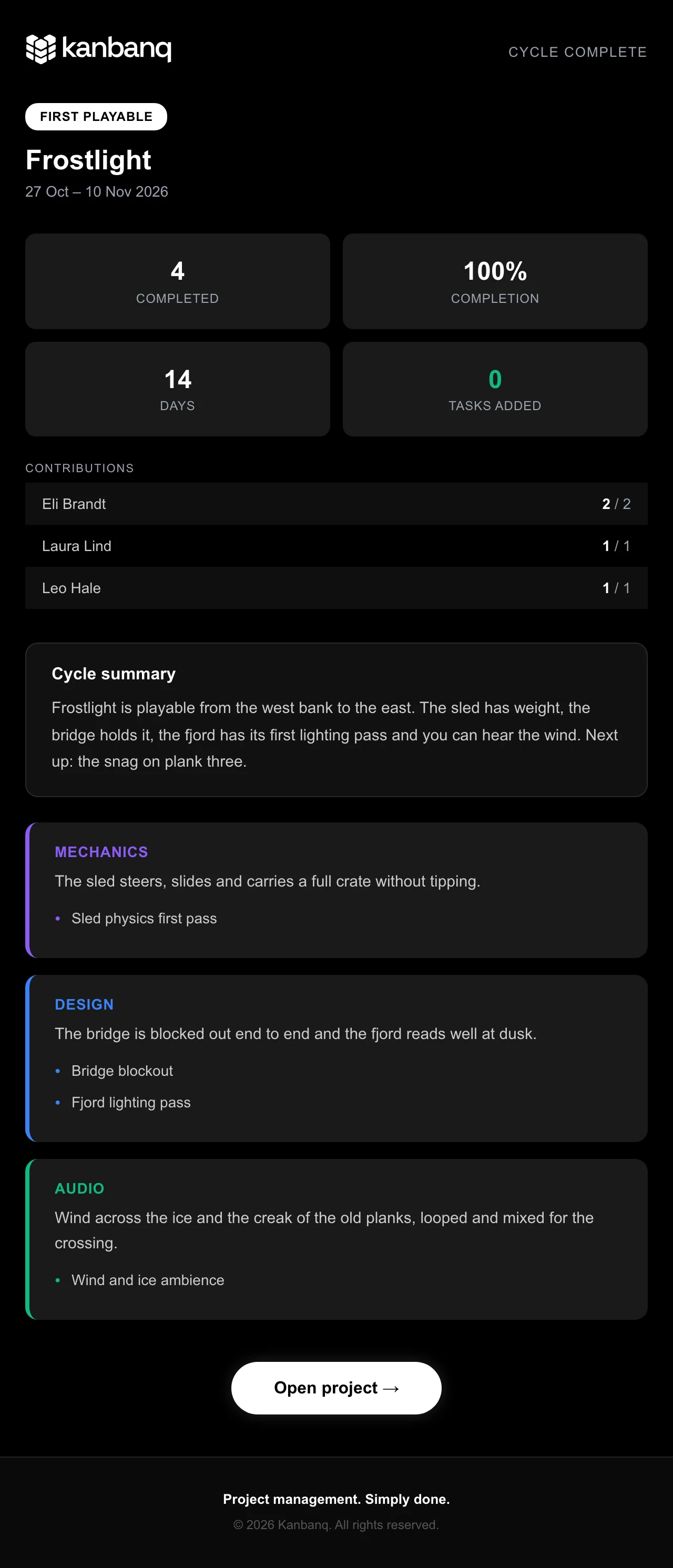
The crew knows what is in progress, what waits on the client and what has been delivered.
Questions from production teams
The board
How does Kanbanq work for a production team?
Add a column for each stage between In Progress and Done, such as Shoot, Edit and Client review. Cards move through the stages and the whole crew sees where each one stands, live. Upcoming productions wait in Tasks for later.
Can we run several productions at the same time?
Yes. Give each production a project of its own, or keep one board with a category for each production and filter by it.
Can we share the board with a client?
Yes, in one of two ways. Publish the board, and anyone with its address can follow progress without an account and change nothing. Or invite the client as a member who can change everything and talk in the project feed.
How do we manage remote editors and VFX artists?
Everyone on the board sees updates as they happen, with live cursors showing who is looking right now. A remote editor moves a card on and the producer sees it at once, with no status email.
The crew
How do cycles work for production projects?
A cycle fits a phase: pre-production, a shoot block, post or delivery. Close it when the phase is complete, and it keeps what was done, with a written summary.
Can we put full-length cuts on a card?
A card takes files of up to 5 MB on Free and 100 MB on Pro, so a proxy, a clip or a frame grab rather than the master. Note on the card where the master lives.
Is Kanbanq suitable for a solo director?
Yes. There are no templates to configure and no fields to fill in. Start a board, add the columns your production works in, and keep the next projects in Tasks for later.
How does pricing work for production teams?
Free has no limit on people and holds 250 active tasks. Pro has no limit on tasks or files. Every plan and its price is on the pricing page.