Article · For research groups
Task management for research groups
Updated
Task management in a research group is mostly a matter of memory: who is running which analysis, which section of the paper is waiting on whom, and what the group actually finished this term. Usually it lives in the PI's head and a shared spreadsheet.
Kanbanq puts the group's work on one board, with the files on the cards and a record of every phase you close.
Scripts, data and drafts on the card
Attach the analysis script, the data file and the draft section to the card they belong to. Code opens with line numbers, a CSV as a table, Markdown as a page, and a PDF shows its first page. Nobody asks where the latest version is.
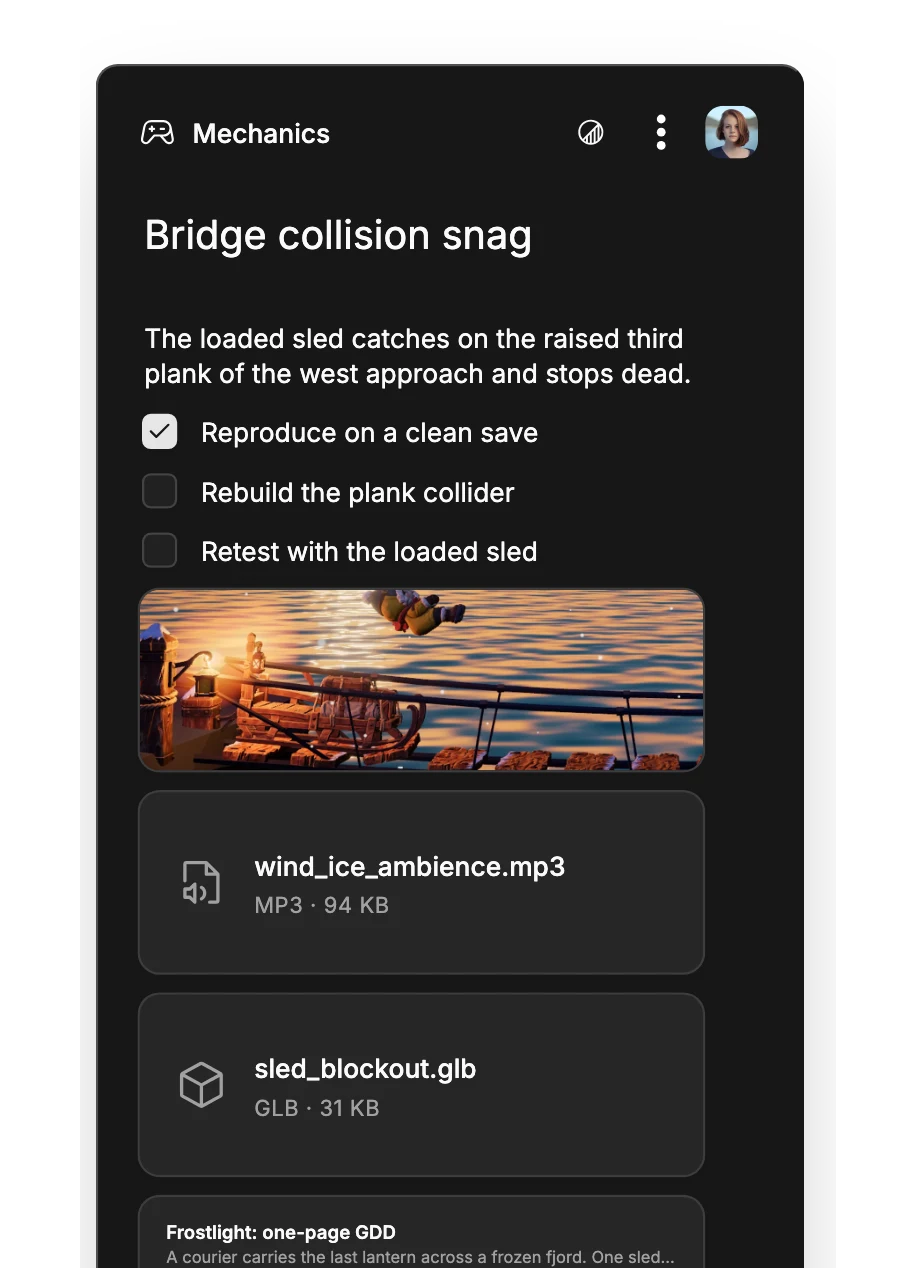

The group sees what is in progress without anyone sending a status email.
Task management for a research group, phase by phase
- 1
Make a project for the study
One board for each study, open to the group or private to the people on it. Give each part of the work a category: Ethics, Data, Analysis, Writing.
- 2
Name a cycle for each phase
Data collection, Analysis, First draft. Pull the phase's cards from Tasks for later when it starts, and close the cycle when it ends.
- 3
Give every card one owner
The postdoc owns the model, the PhD student the literature review. One person a card, so the PI sees who is on what.
- 4
Add a column for the supervisor
Put Supervisor review between In Progress and Done. Work waiting on feedback sits there in plain sight, with no chase email.
Kanbanq has no due dates or reference manager today, so submission deadlines go in the cycle's name. Due dates are coming soon.
Free for the whole group
€0
from the PI to the newest research assistant
1
address to share the board, read only, with a funder
10
files on Free, up to 5 MB each
A record for the supervisor, a board for the funder
Close a cycle when the phase ends, and it keeps what was completed, by category and by person, with a written summary: a start on the supervisor update and the grant report. For the funder, publish the board: anyone with its address can read it, without an account, and change nothing.


Questions from research groups
The group
How does Kanbanq work for a research group?
Research runs in phases: design, data collection, analysis, writing, review, submission. Each can be a cycle, its cards moving from To Do to Done. Future experiments, writing and grant work wait in Tasks for later.
Can the whole group use the same board?
Yes. Free has no limit on people, so the PI, postdocs, PhD students and research assistants are all on one board, each card with one owner.
Is Kanbanq suitable for a PhD student working alone?
Yes. Tasks for later hold all the reading, experiments and writing still to come, and the board shows only what you are on this week. A long project stays in view without crowding the day.
Can we track several projects at the same time?
Yes. Give each study a project of its own, or keep one board with a category for each. Work that spans projects, such as grant applications, can have a board too.
Reporting
How do cycles work for long-running research?
A cycle fits a phase rather than a fortnight. Close it when the experiment ends or the section is submitted, and it keeps what was completed, by category and by person.
Can we share progress with a supervisor or funder?
Publish the board, and anyone with its address can read it without an account and change nothing. Or invite them as a member who can change everything and talk in the project feed.
Does it help with grant reports?
Every closed cycle keeps what the group finished in that phase. It also writes a summary for the cycle and for each category: a first draft for the progress report.
How does pricing work for research groups?
Free has no limit on people and holds 250 active tasks and 10 files. Pro has no limit on either. Every plan and its price is on the pricing page.