Article · For solo makers
A product roadmap for solo makers
Updated
A product roadmap for makers working alone tends to live in three places: a doc you wrote at the start, a list in your notes app and your head. None of them tells you what to build tonight.
A roadmap you work from, not one you keep up to date.
The roadmap is the list for later
Everything you want to build waits in Tasks for later, sorted by category: features, fixes, marketing, docs. It is the whole roadmap, and it stays out of the way.

The board holds only this cycle: the three to ten cards you are building now. Give it a background you like opening at eleven at night.

A loop that keeps you shipping
- 1
Pick a few
Pull one feature, a couple of fixes and one marketing task onto the board. That is the cycle.
- 2
Build
Move cards as you go. A bug you spot mid-feature goes straight to Tasks for later, so your focus stays put.
- 3
Close it
When the cards are done, close the cycle, whatever the date. The next one starts empty.
- 4
Show your work
Publish the board, and early users read your roadmap from a link, with no account. They cannot change it.
Kanbanq has no voting on a public board today, so requests reach you the usual way and the good ones go into Tasks for later.
Ship with help, and keep the record
Connect Claude Code, Cursor or another tool through Kanbanq's MCP server. It reads the board on every plan; on Pro it picks up a card, moves it along and reports back.
On every paid plan, connect your GitHub repository too. A commit that names a card shows up on that card and asks whether to move it to Done.

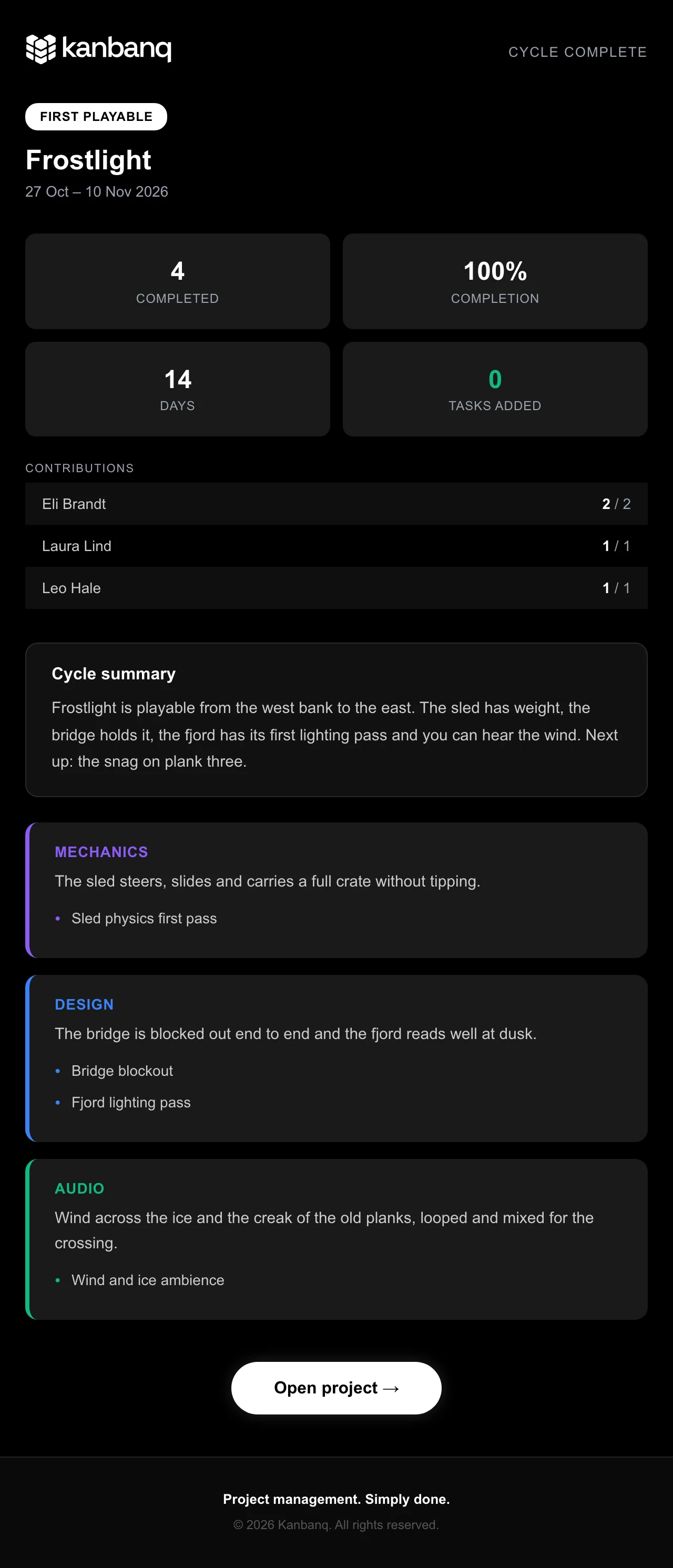
Each closed cycle keeps what you shipped and emails it to you, with a written summary. Name the cycle after the release, and the summary is most of your changelog.
Priced for one, or a few
€0
for you and anyone you invite
7
days of your agent writing on Free, from its first change
€9
a month on Pro, for up to 10
Questions from solo makers
The roadmap
How is Kanbanq useful for someone building a product alone?
It gives the work shape without overhead. Tasks for later hold everything you want to build, the board shows what you are on now, and each closed cycle keeps what you shipped.
How do tasks for later work for a product?
They hold everything you are not building right now: features, fixes, marketing, docs. Sort them by category, by release or by area, and use priority for what matters most. Pull the top few in when a cycle starts.
Can I share my roadmap with early users?
Yes. Publish the board, and anyone with its address can read what you are planning. It is read only: nobody outside the team can vote, comment or change it.
What is the best way to run cycles as a solo developer?
Keep them short and close them when the work is done: one feature, a few fixes and one marketing task. Keeping at it matters more than the length.
Tools and price
Does Kanbanq integrate with GitHub or other dev tools?
With GitHub, on every paid plan: connect a repository to a project, and a commit that names a card shows up on that card and asks whether to move it to Done. Coding tools such as Claude Code, Cursor and VS Code connect through Kanbanq's MCP server: they read the board, and on Pro they write to it too.
Can I use Kanbanq for side projects alongside a full-time job?
Yes. The board is there whenever you are, with no meetings. Park ideas in Tasks for later and keep the board for what you are building this week.
How does pricing work for solo makers?
Free has no limit on people and holds 250 active tasks. Pro has no limit on tasks and lets your coding tools write to the board. Every plan is on the pricing page.
Can a co-founder or contractor join?
Yes, at no cost on Free. Invite them, and you both see the board change live, whatever your time zones.