Compare · Jira
A Jira alternative for game teams
Updated
Why game teams pick Kanbanq
Jira can be shaped to any process, and someone has to do the shaping. Its free plan stops at ten people. Kanbanq has nothing to configure and lets the whole team in.
Nothing to configure
A new project arrives with To Do, In Progress and Done and its first cycle open. The first card can go straight in.

What can wait, waits off the board
Tasks for later hold everything that is not for now, sorted by category, so the board shows only the work under way.

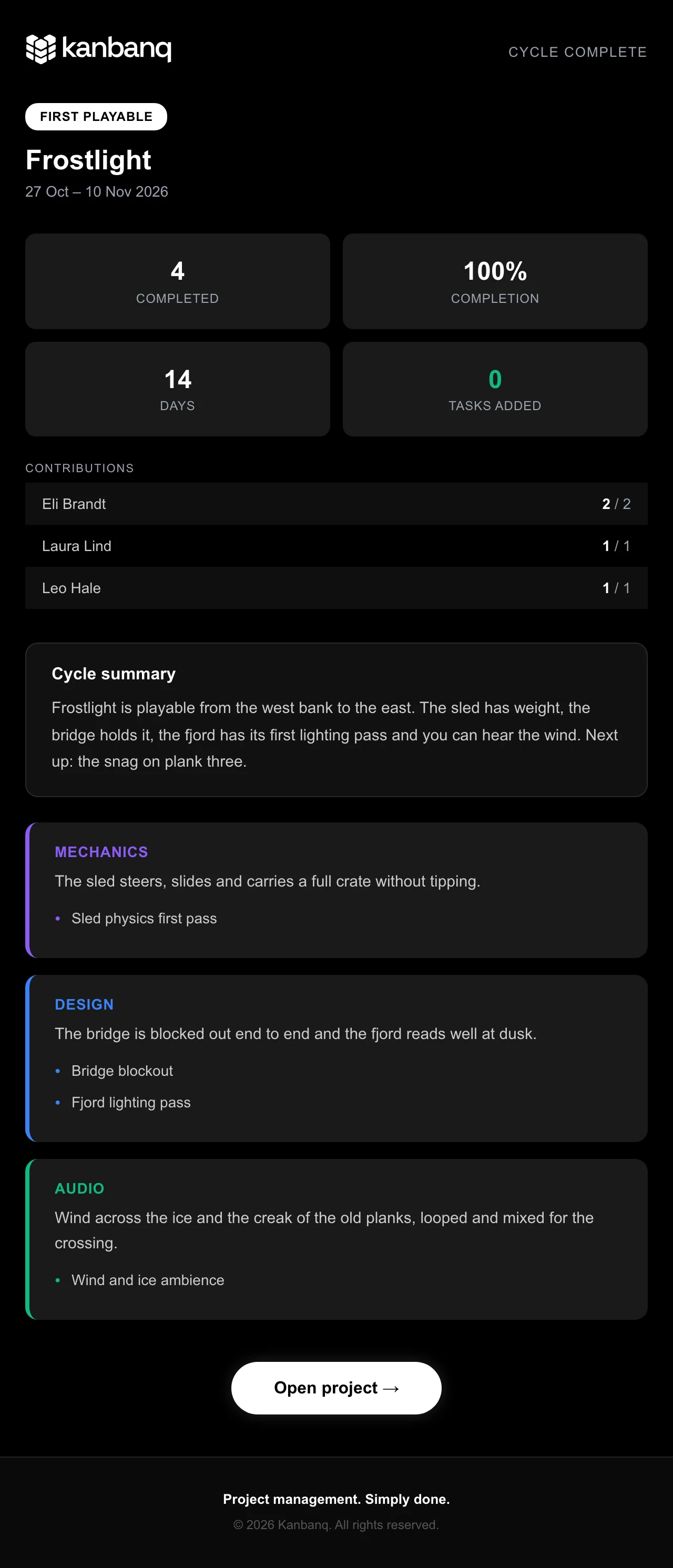
Close a cycle when the work is done
No sprint length to pick. Complete the cycle when the work is done: Done is archived and the team gets an email of what shipped, with a written summary.
Every file opens on the card
A 3D model turns, a sound plays and a clip runs right on the card, and Markdown, code and tables read as pages.

The whole team, free
Free has no limit on people, and everyone's cursor shows as they work. One conversation sits beside the cards, with @mentions and #card links.

One price for the whole team
Jira is free for up to ten users, then charges for every seat. Every Kanbanq plan is one price for the whole team, and Free has no limit on people at all.
A team of 20, billed yearly
Kanbanq
€490
a year on Team, for the whole team of up to 30.
Jira
$2,450
a year on Standard, its price for 16 to 25 users.
Every Kanbanq plan
No limit on people on Free
Free is free for any number of people, with no time limit.
One price for the team
Pro covers up to 10 people, Team up to 30 and Studio any number. Nobody counts seats.
Agents at no charge
Every paid plan can add as many agents as it likes, with no charge for each.
A public board, on Free too
A read-only board anyone can open with its address, to build in public.
Billed yearly, by team size
| Team | Kanbanq | Jira Standard |
|---|---|---|
| 15 people | €490 (Team) | $1,450 |
| 20 people | €490 (Team) | $2,450 |
| 30 people | €490 (Team) | $4,850 |
| 40 people | €2,000 (Studio) | $4,850 |
Jira's prices are in US dollars as its pricing page lists them for yearly billing, by user tier; Kanbanq's are in euros. Month to month, Kanbanq is €9 for Pro, €49 for Team and €200 for Studio, and Jira Standard $9.70 a user for a team of 20. The plans hold different things: this is what each charges, not what each includes.
Side by side
Jira is made for every kind of team and holds far more of planning. Here is how the two compare, Kanbanq first.
| What | Kanbanq | Jira |
|---|---|---|
| People on Free | Any number, with no time limit. 250 active tasks and 10 attached files of up to 5 MB, on up to 3 boards. | Up to 10 users, with 2 GB of storage. |
| Getting started | A project arrives with its columns and its first cycle open. Adding a status column is the only setup. | Workflows, work types and custom fields you design, with templates to start from. |
| Cycles and sprints | Cycles, closed when the work is done. Closing one archives Done, keeps its numbers and emails the team a written summary. | Sprints, each with a start and an end date. |
| File previews | Images, the first page of a PDF, Markdown, code, tables, audio, video and 3D models (glTF, FBX, OBJ) open on the card. | Attachments show as previews on the work item. 2 GB of storage on Free, 250 GB on Standard. |
| Public board | A read-only link anyone can open, on Free too. | Anonymous access to work items, on the paid plans. |
Where Jira does more
| What | Kanbanq | Jira |
|---|---|---|
| Dates and dependencies | No due dates, timeline or dependencies today. Due dates and milestones are coming soon. | Due dates and a timeline on every plan, and dependencies across teams on Premium. |
| Estimates and reports | No estimates, logged time or charts today. | Story points or time estimates, logged time, and burndown and velocity reports. |
| Fields and automation | No custom fields or automation rules today. | Custom fields on every plan, and automation: 150 steps a month on Free, 400 a user on Standard. |
Jira's prices and plans are from its pricing page, read on 22 November 2026, and its other facts from Atlassian's own guides and help pages, read on 4 October 2026. Kanbanq's are from the product.
Which one to pick
Both lists are meant to be used. If Jira's describes your team, stay where you are.
Pick Kanbanq if
- There are more than ten of you, and nobody should pay to join.
- Nobody on the team wants to configure the tool before using it.
- You would rather close a cycle when the work is done than on a date.
- Your team passes models, sounds and clips around and wants them to open on the card.
Pick Jira if
- You plan against dates: due dates, a timeline and sprints of a fixed length.
- You estimate in points or hours and read burndown and velocity charts.
- Your process needs its own workflow, custom fields or automation rules.
- Someone already looks after Jira and everybody is used to it. That is reason enough to stay.
If your team plans around dates, estimates or a workflow of its own, Jira is the better tool for you today. Due dates and milestones are coming to Kanbanq soon.
Moving over from Jira
Kanbanq has no importer, so a move makes a new board from the work that is still open. Bring the next cycle or two, not the archive.
- 1
Start a board and invite everyone
Sign up, make a project and give the board a background. Invite the team before the tasks arrive: a task can only go to someone on the project.
It is free, and so is everyone you invite. Free holds 250 active tasks and 10 attached files. Pro has no limit on either.
- 2
Make the cards
Export the open work for the next cycle or two from a Jira search as a CSV file. A status becomes a column, the rest of the backlog goes to Tasks for later, and an epic or a label becomes the card's category.
Subtasks become a checklist on the card. Attached files do not come with the export.
- 3
Or let your coding agent do it
Connect Claude Code, Cursor or another tool to Kanbanq's MCP server, give it the CSV and ask it to make the columns, the categories and the cards.
Writing needs Pro; on Free it works for seven days from your first change. Invite the team first, so it can give each card to the right person.
- 4
See one cycle through
Your first cycle is already open. Name it, and complete it when the work is done. Keep Jira open until then. If you keep reaching for a due date or an estimate, that is your answer, and a fair one.
What stays behind. Comments, history and attached files stay in Jira, and keys such as ABC-123 do not come across. Nothing stays in step with Jira afterwards.