Article · Switching tools
How to import a Trello board, a spreadsheet or a list into Kanbanq
Updated
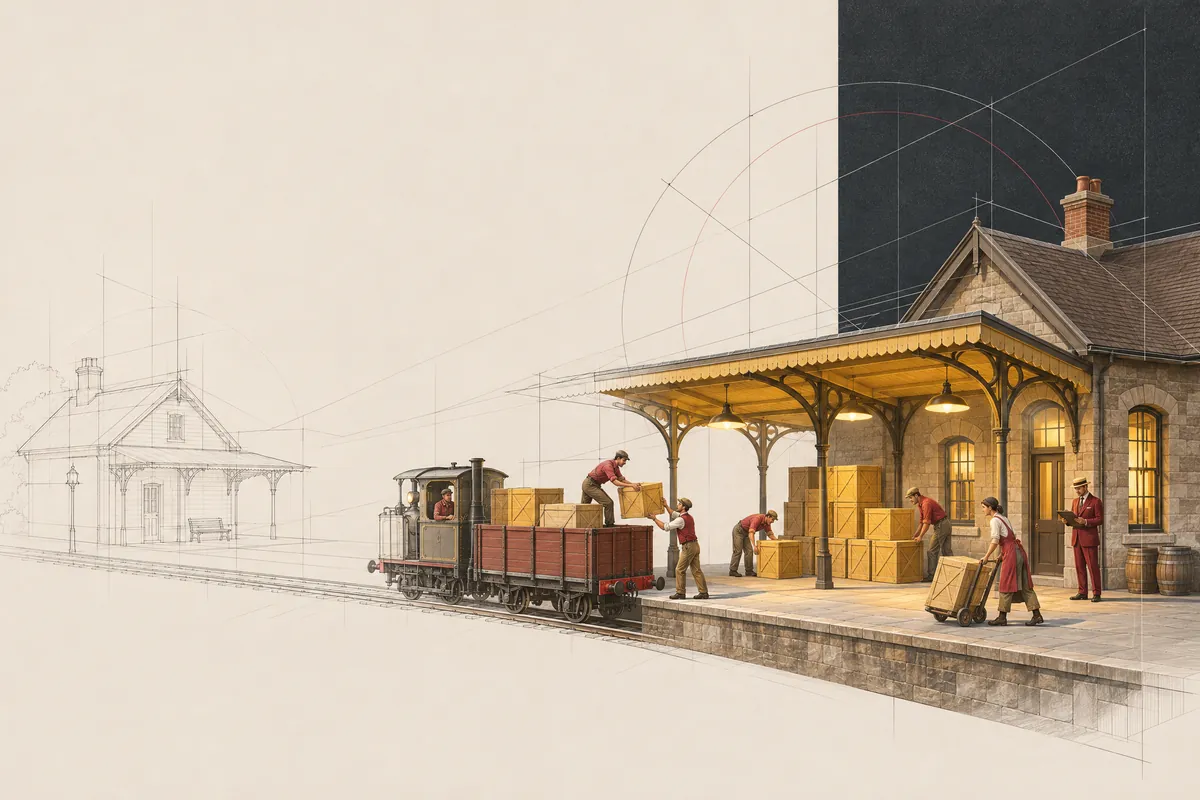
Nobody starts a game on an empty board. There is a Trello board from the jam, a spreadsheet of bugs from the last playtest, a page of notes from a call. Moving to a new tool should not mean typing all of that in again.
In Kanbanq the assistant does the moving. You give it what you have, a file or a list, and it turns each item into a card on your board.
Five steps to move in
- 1
Get your work out
From Trello, export the board as JSON from the board's menu. From any other tool, export a CSV, or copy the list straight off the page.
A document works too: a PDF, a Markdown or a text file.
- 2
Open the board
Open the Kanbanq board the cards should go on, and open the assistant.
- 3
Type /import
Attach the file with the paperclip, or paste your list after /import, one item to a line.
The file is saved to the project's files, so the team can open the original.
- 4
Say what you want, if it is not everything
Words after the command go with the file: "/import Only the bugs" or "Only the cards in Sprint 4".
- 5
Review the draft
From a file, the assistant drafts the cards first: each one with where it goes. Press Create to make them, or Discard draft.
A pasted list is made at once. Either way, Undo this takes it back while it is the latest change.

Where the cards land
Work that was under way in the old tool goes into To Do, so it is on the board you look at every day. Everything else waits in Tasks for later, sorted into categories: the board's own where they fit, and a new one only for a group of cards with no good home.

What comes across
Your words
One card per item, named as you named it, in your order. Ids such as KQ-142 stay in the name; a date or a link moves into the description.
Descriptions and checklists
Only where the source has them. A Trello card's checklist becomes its checklist. Nothing is padded out or made up.
Categories
A list or label that names a stream of work, such as Art or Audio, becomes a category. Stage lists such as Doing or Done do not.
Nothing twice
Archived Trello cards stay behind, and so does anything already on the board. The assistant tells you which it skipped.
Comments, attached files and history stay in the old tool, and nothing stays in step with it afterwards. Bring the work that is still open, not the archive: a board that starts with the next month or two of work is easier to trust than one that starts with every idea since the prototype.
Good to know
This is the assistant reading your export, not an importer copying it field by field. It reads the file the way a careful person would, so it handles a messy spreadsheet well, and on a big board it is worth a look over before you get going. Proper importers for the tools teams move from most are on the way.
60 cards at a time
A bigger board goes over in parts: one list or one export at a time.
Text files up to 128 KB
A Trello JSON of a busy board can be bigger, as it carries the board's history. Export a list at a time, or paste.
Three files, 3 MB
Up to three files in one message, 3 MB in all. PDF, text, Markdown, CSV and JSON.
One turn
Each /import uses one turn of the assistant. Free includes 20 in total, Pro 500 a month for the workspace.
Or let your AI do the moving
There is a second way, with no export at all. If your old tool has an MCP server, as many do now, connect the AI you already use to it and to Kanbanq's: Claude, ChatGPT, Claude Code, Codex, Cursor or VS Code. Then ask it to copy the open work across. It reads the cards in the old tool and makes them on your board, list by list.
It is not held to the assistant's 60 cards at a time, and it takes instructions as it goes, such as leaving the finished work behind. On a big board it takes a while, and it is worth checking as you would a new teammate's work. Writing to your board this way needs Pro; on Free it works for seven days from your first change. Working with agents says how to connect one.
Questions about moving in
Can I import from Jira, Asana, ClickUp or Notion?
Yes. Export the open work as a CSV file, type /import and attach it. Trello is the one export the assistant has its own rules for; for any other tool it reads the columns the way a person would, so name the column you care about if the file has many.
Does my board stay in step with Trello?
No. An import is a one-off copy of what you gave it. Changes made in Trello afterwards do not come across, so pick a day to move and work in Kanbanq from then on.
What happens to comments and attached files?
They stay in the old tool. Add back the files that matter by hand: sounds, 3D models and documents open right on the card.
What if the import gets something wrong?
From a file, you see the draft first: Discard draft and try again with a few words on what to do differently. Once the cards are made, Undo this takes the whole import off the board while it is the latest change.