Guide · 6 steps · Jam
A game jam on one board
Updated

Jam games rarely fail for lack of skill. They fail in the first hour, when four people leave one call with four games in mind, and on the second night, when nobody wants to say stop. One board that everyone watches change helps with both.
How to plan a 48-hour game jam on one board
The night before: invite the team
Make a project for the jam and share the invite link where the team already talks. Set it to anyone with the link, so nobody waits for approval at midnight. You see who is online as they arrive.
Free has no limit on people, so the composer and the friend who might help can join too.

Hour one: agree the game, then write it as cards
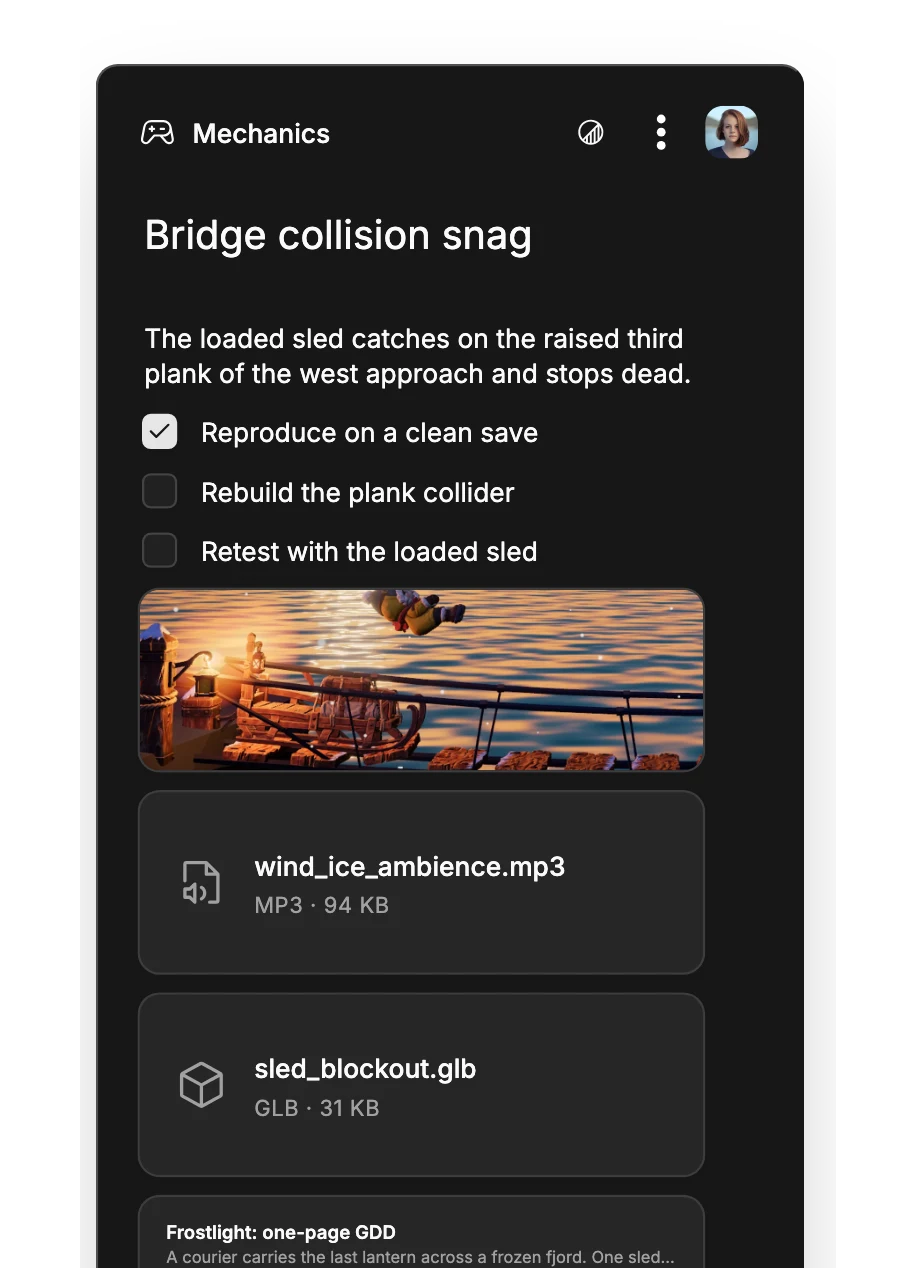
Talk for twenty minutes, no longer. Then write one card for each thing the game needs to be playable, each small enough for one person to finish in an afternoon. Anything merely nice goes to Tasks for later.

Keep three columns
To Do, In Progress and Done are enough for 48 hours. A Review column turns into a queue of finished work waiting for someone busy. Whoever finishes a card tries it in the build and moves it to Done.

Give every card one owner
A card has one person, and everyone keeps one card in In Progress at a time. When a fix needs the artist, ask in the board's conversation: mention them with @ and link the card with #, so the question stays beside the work.

Hour 24: cut, together
Get everyone on the board at once. Go down To Do and ask of each card: can the game be played without it? If it can, move it to Tasks for later. Mark the one thing the entry cannot do without as Urgent.
A cut card keeps its checklist and files. It is parked, not lost.
The last four hours: nothing new
Stop adding cards. What is left is finishing, fixing, and the submission card: the build, the upload, the screenshots and the jam page. Its owner works down that checklist while everyone else plays the build.
Exporting takes longer than anyone remembers. Make the first export at the halfway cut, and the one you submit with two hours to go.

A starter board for a game jam
Kanbanq cannot copy a board in for you, so here it is written down. Build it the night before: three columns, five categories beside General, eleven cards in To Do and four extras in Tasks for later.
Game Mechanics
The player can move and do the one main thing. One level as grey boxes, start to finish. Win and lose conditions, and restart.
Game Assets
Player sprite and one enemy or obstacle. Tiles or a background for the level. A title screen with the controls on it.
Game Audio
Five sound effects and one music loop.
Bug Fix
Play the build from start to finish on a clean machine, and fix what breaks.
Submission
A first export at the halfway mark. Then upload the build and fill in the jam page: cover, screenshots, controls, credits. Mark it Urgent.
In Tasks for later
A second level, a second enemy, a high score, screen shake and particles: the first things you will not have time for.
Every card the game needs is in To Do from the first hour, because a jam has no next week. Whoever types a card owns it until the team joins, so share them out in hour one. Rename the open cycle after the jam: the board counts its days, not its hours.
After the jam
Sleep first. Then, within the week, while everyone still remembers why the cards say what they say:
Close the cycle
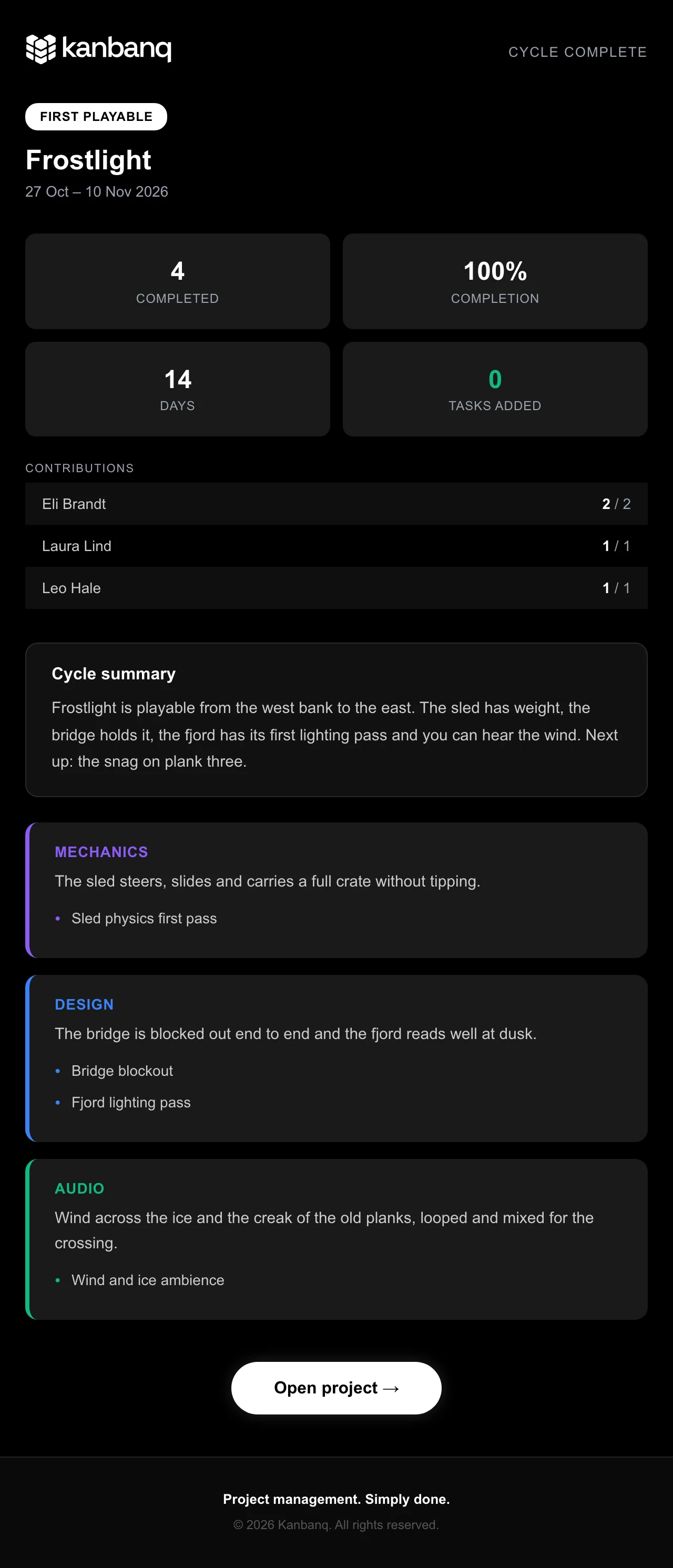
Done is archived and everyone on the board gets an email of what shipped. It comes with a written summary: a fair first draft of the post-mortem.
Publish the board
A read-only link anyone can open. Put it on the jam page so players can see what you cut. Archived cards do not show there.
Keep going
Everything you cut waits in Tasks for later, sorted by category. If the game earns a second month, that is your list, and From GDD to first playable picks it up.
Free for the whole jam team
€0
for the whole jam team, however many of you there are
250
active tasks, with 10 attached files of up to 5 MB
Room for reference images and a few sounds, not for builds. Your coding agents can read the board; writing needs Pro, and the first write opens a seven-day trial.
Pro, at €9 a month for a whole team of up to ten, lifts those limits. A jam does not need it.
Kanbanq has no countdown and no Discord integration today, so put the deadline on a clock everyone can see and pin the board's link in your channel.